
Guide
Learn PangeAI in ten short chapters.
Each chapter shows one thing the platform does. Watch it in about a minute, or follow the same steps with screenshots at your own pace.
- chapters
- 10
- chapters
- of video in total
- 9 min
- of video in total
- steps with screenshots
- 60
- steps with screenshots
Part 1
Get started
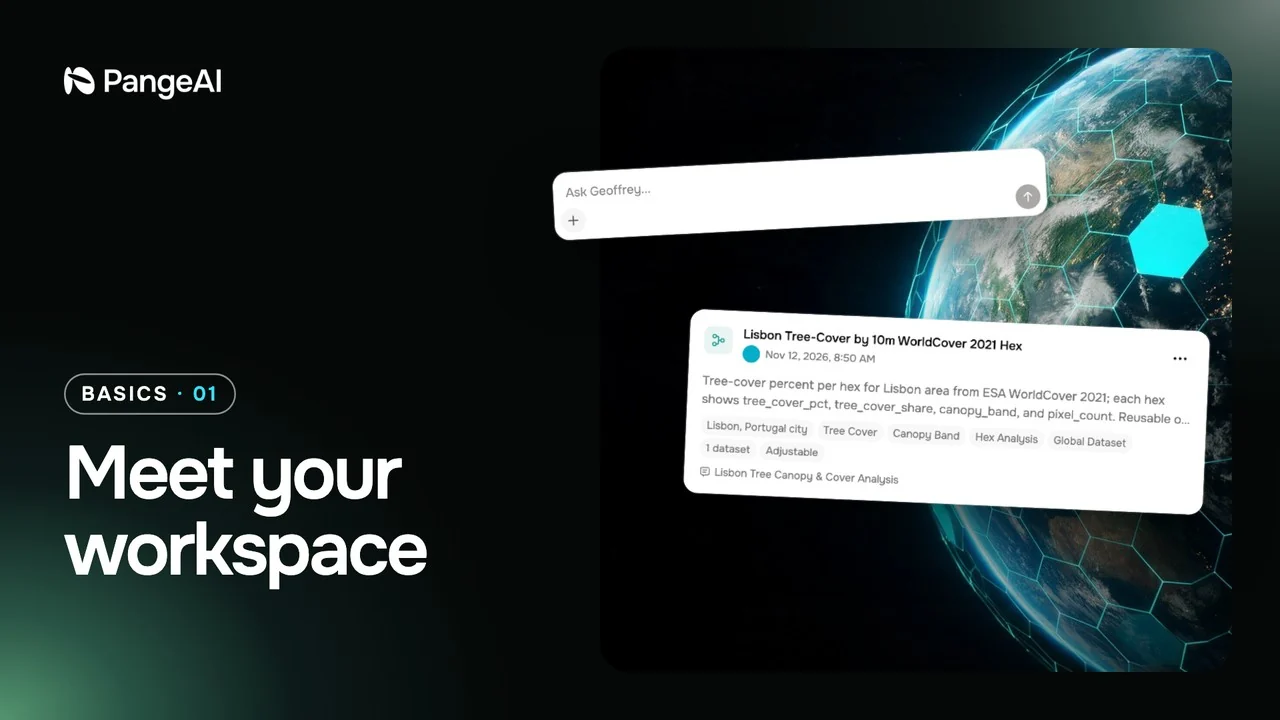 56 s01
Meet your workspace
A quick tour of the workspace: where you ask, where answers land, and how to find your way around.
56 s video · 6 steps
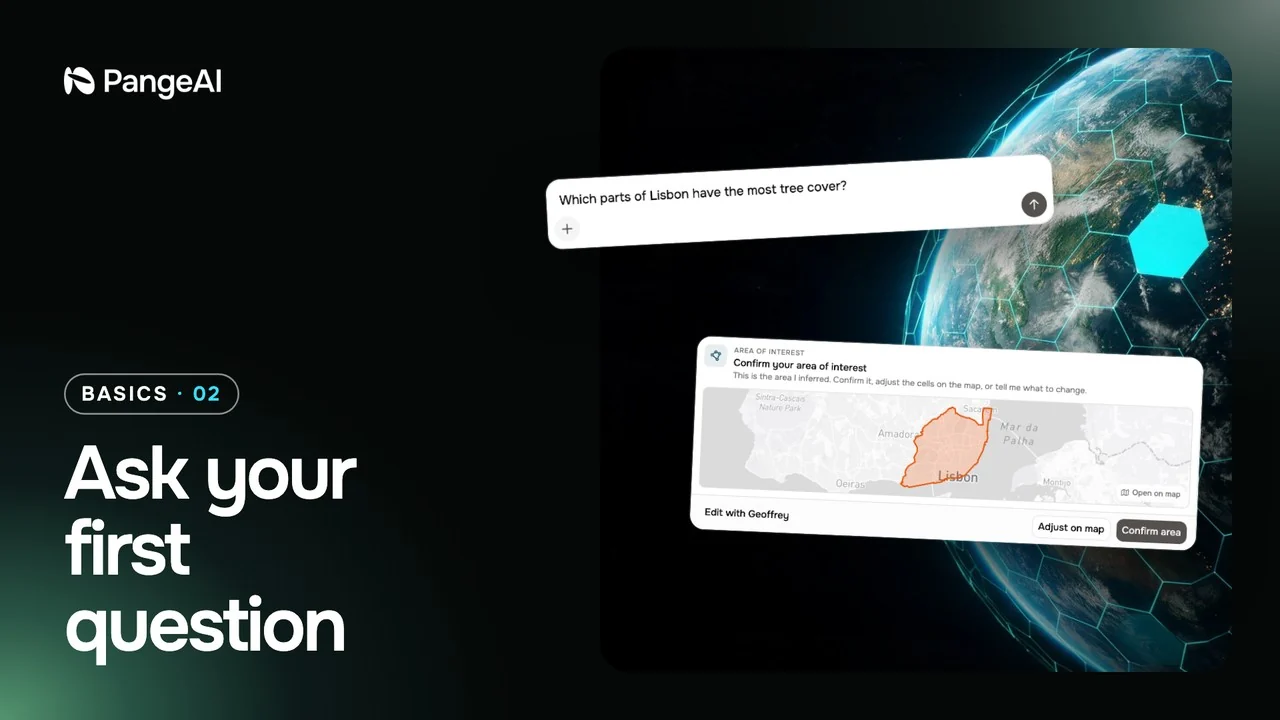 54 s02
Ask your first question
From a plain question to a finished map: what Geoffrey asks you, and what you get back.
54 s video · 6 steps
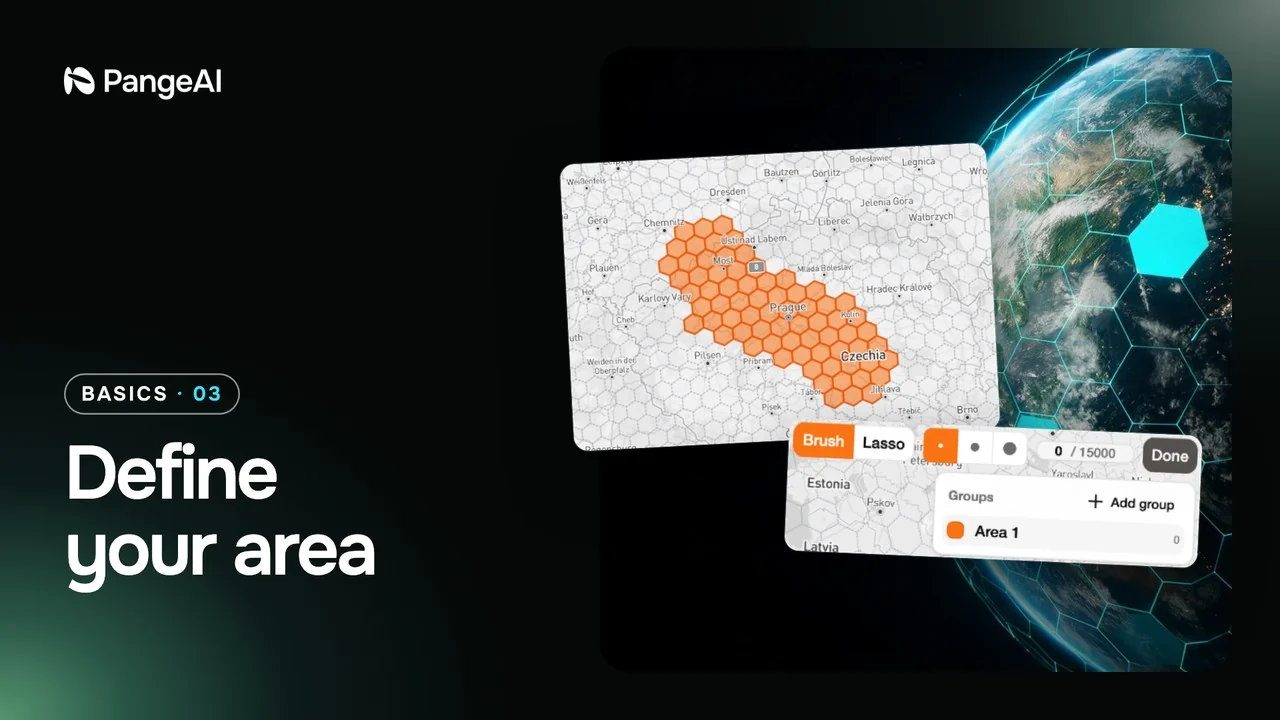 50 s03
Define your area
Tell Geoffrey exactly where to look by drawing the area on the map yourself.
50 s video · 6 steps
Part 2
Work with results
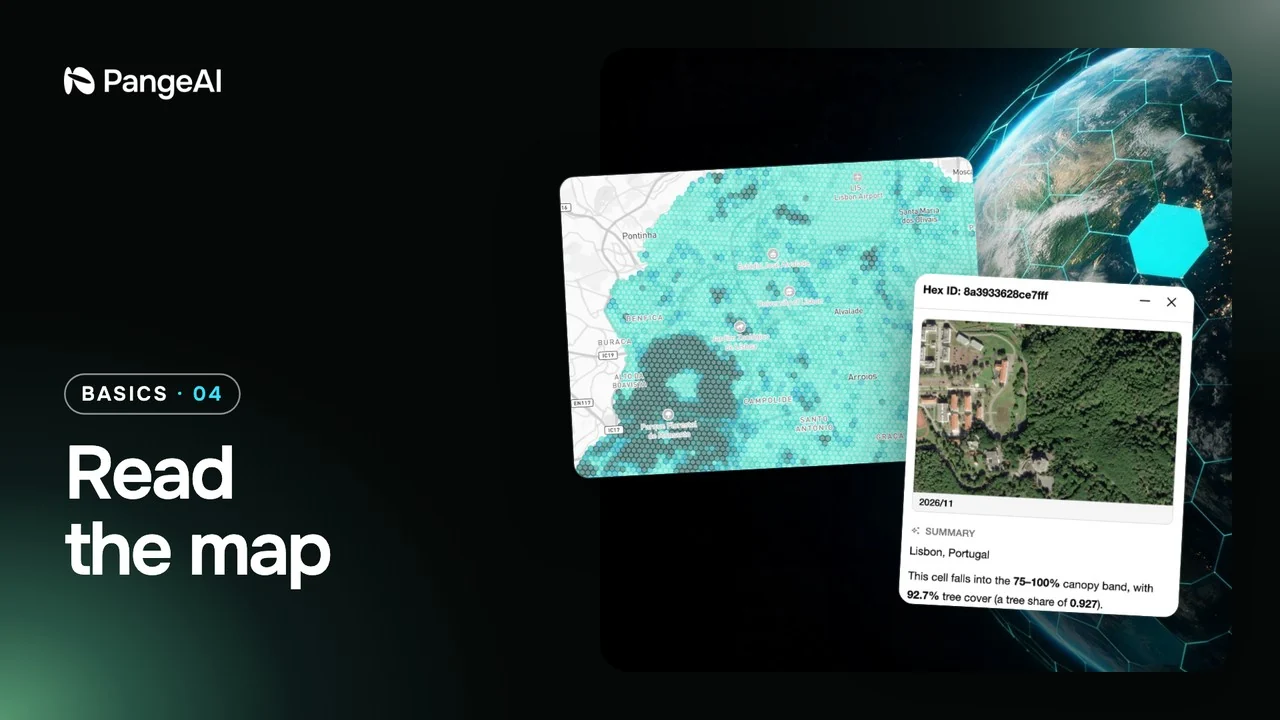 1 min 4 s04
Read the map
Make the map bigger, change what it shows, and open any hexagon to see what is behind it.
1 min 4 s video · 7 steps
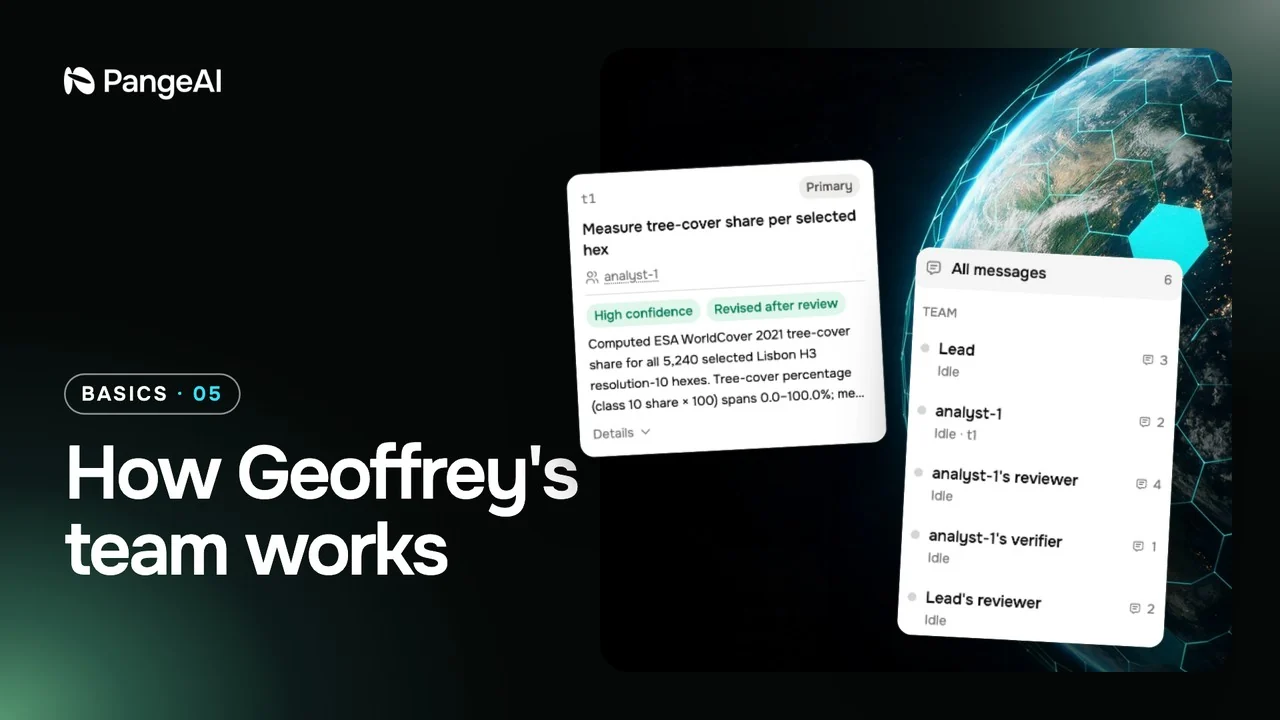 59 s05
How Geoffrey's team works
Watch the agents plan, analyse and check each other's work while your answer is being prepared.
59 s video · 6 steps
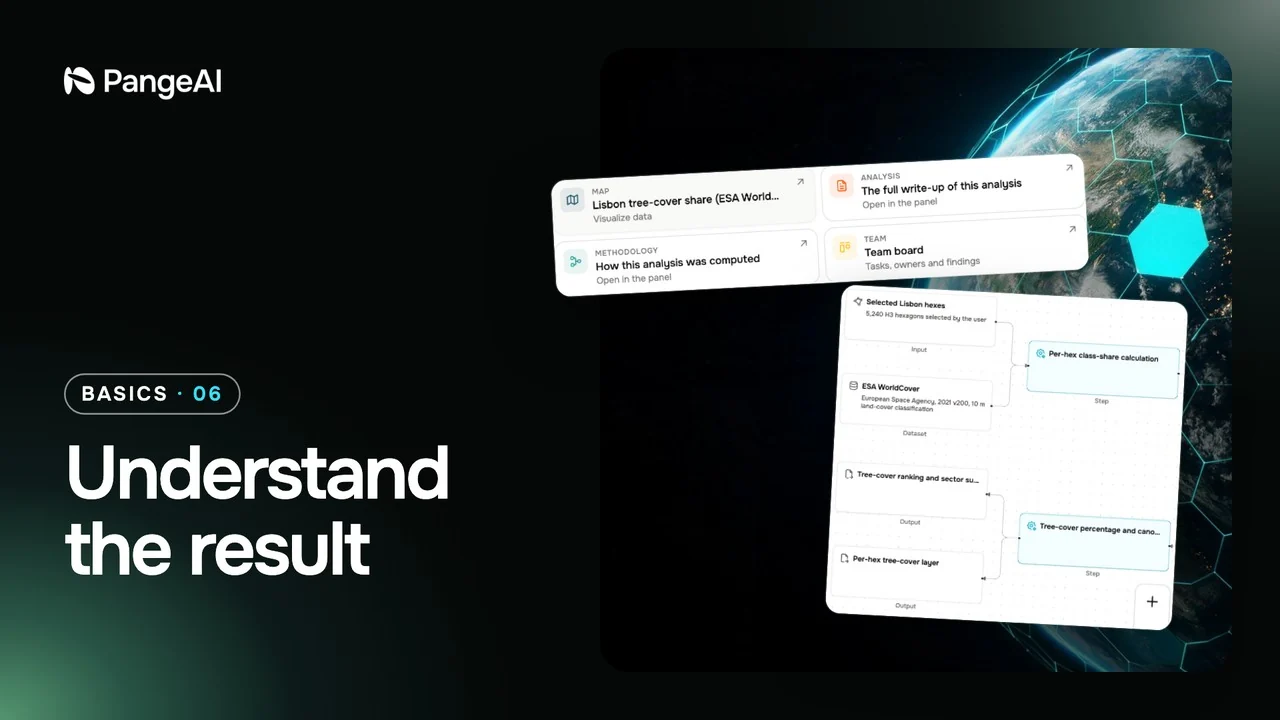 56 s06
Understand the result
What each result card holds: the analysis, the methodology, tables, charts and follow-ups.
56 s video · 6 steps
Part 3
Go further
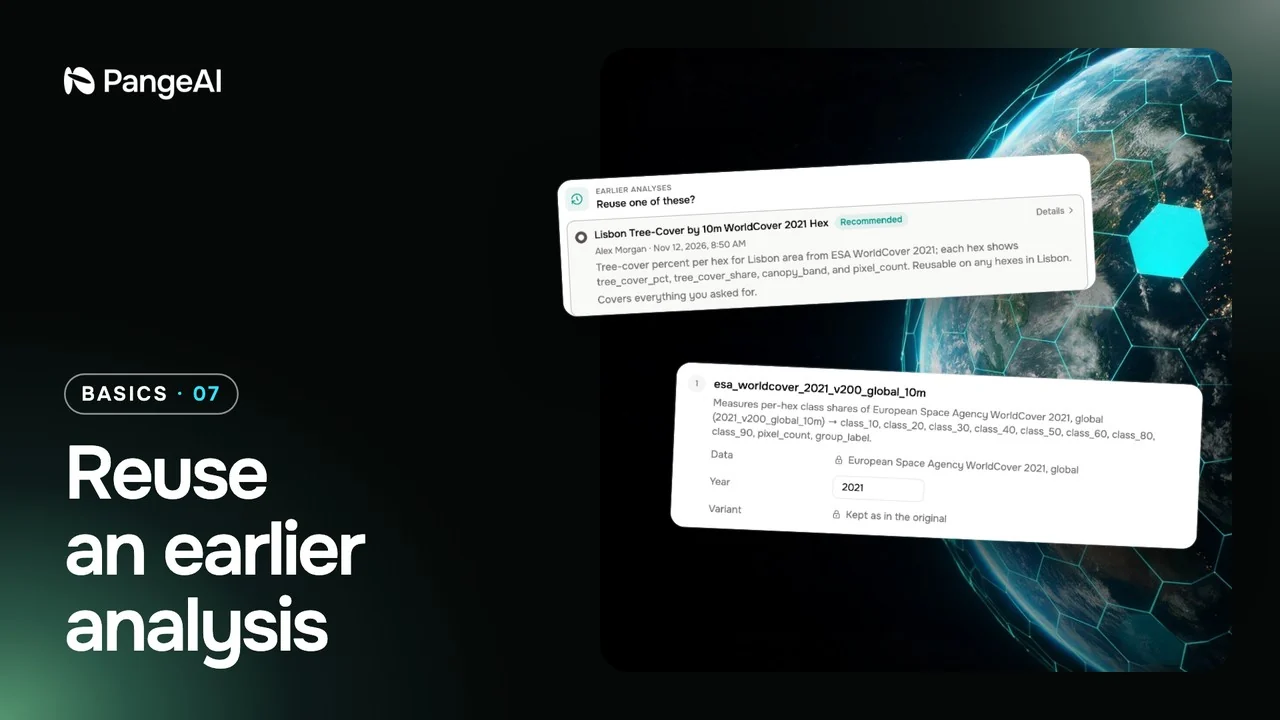 1 min 3 s07
Reuse an earlier analysis
Run a new question the same way as an earlier analysis, so the results stay comparable.
1 min 3 s video · 6 steps
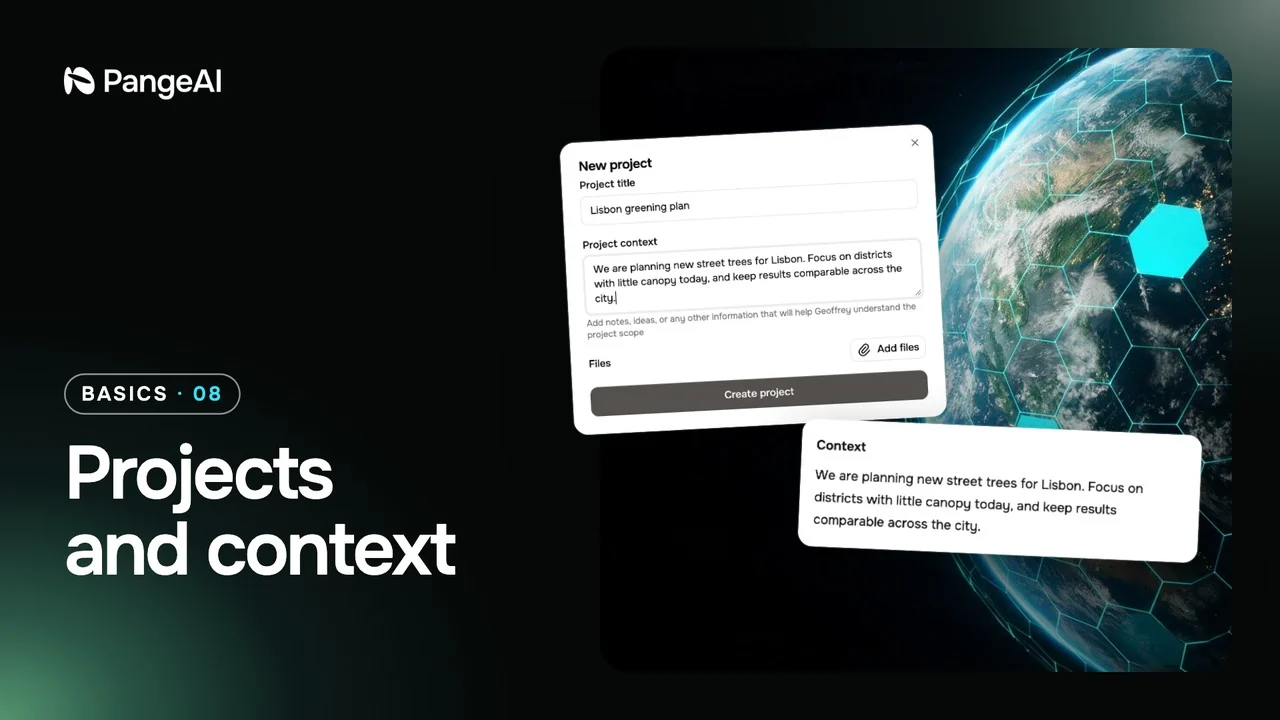 50 s08
Projects and context
Keep related chats, files and background knowledge together in a project.
50 s video · 6 steps
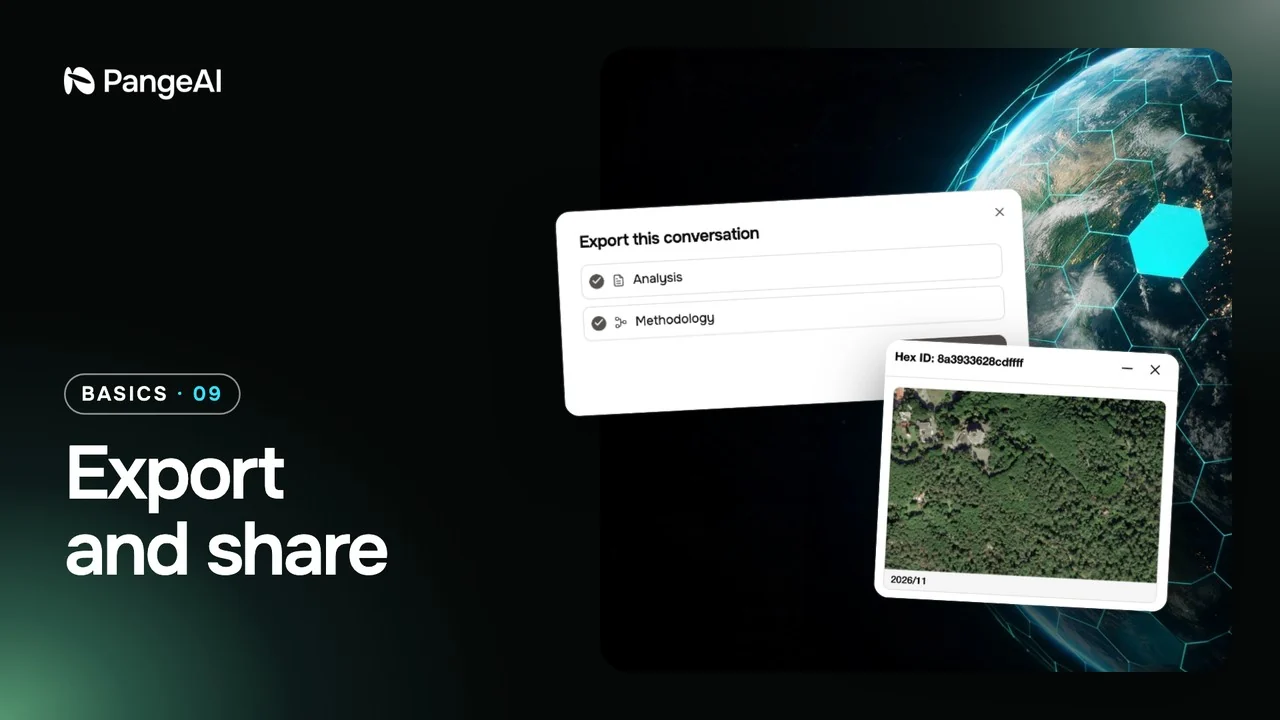 44 s09
Export and share
Turn a result into a report you can print, save as a PDF or hand to someone else.
44 s video · 5 steps
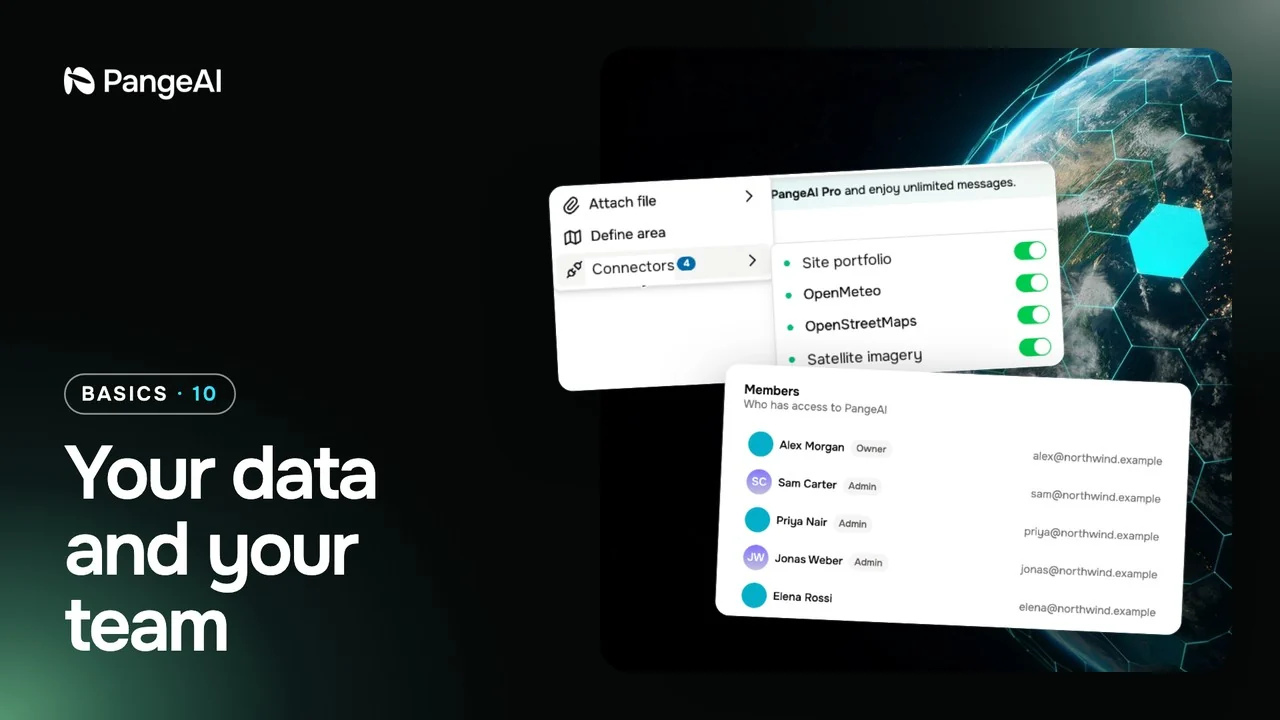 54 s10
Your data and your team
Bring your own files and data sources, and invite the people you work with.
54 s video · 6 steps