
Chapter 01 · Get started
Meet your workspace
A quick tour of the workspace: where you ask, where answers land, and how to find your way around.
Step by step
01
Start here
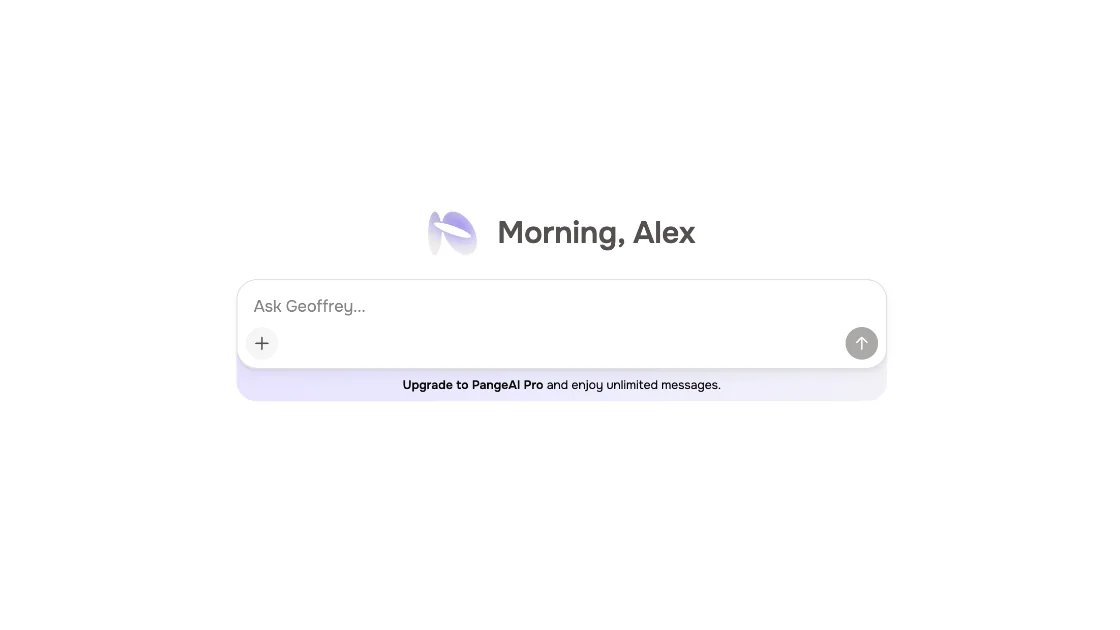
This is your PangeAI workspace. Everything starts here, with a question for Geoffrey.
02
Find your way
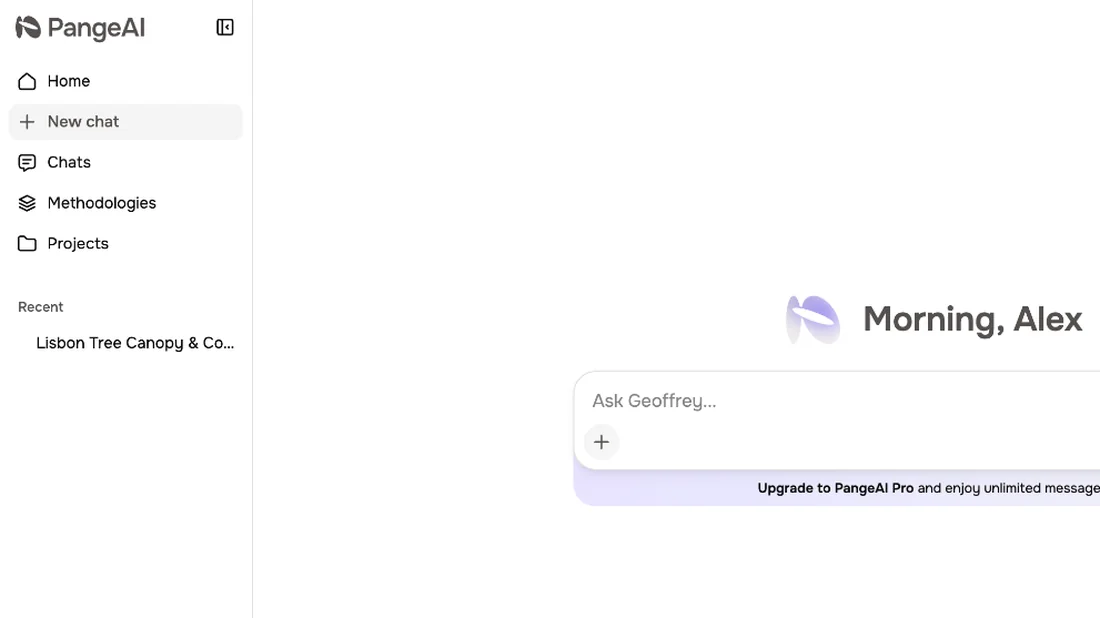
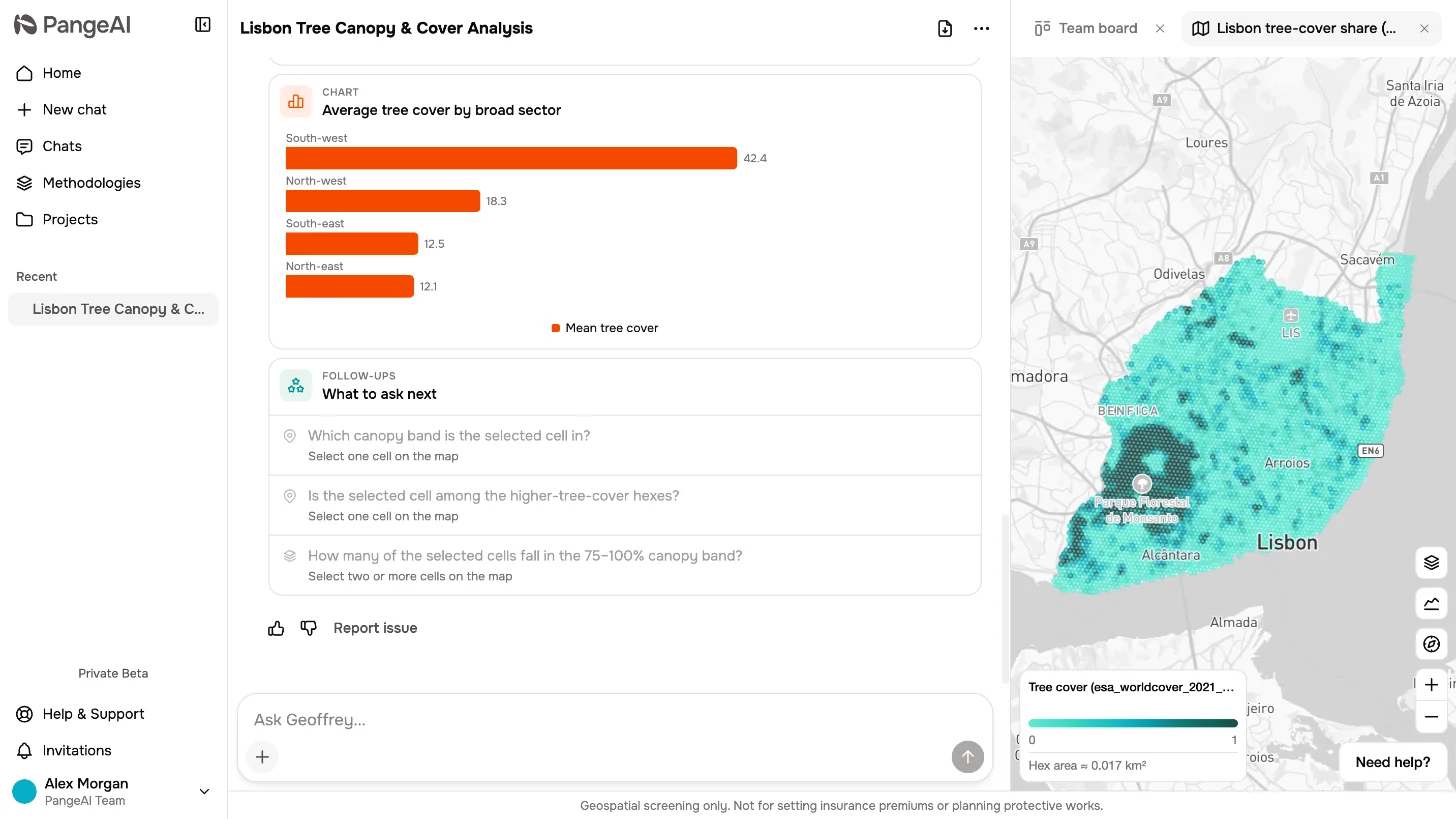
On the left, you can start a new chat, find past chats, browse your team's methodologies, and open your projects.
03
The conversation
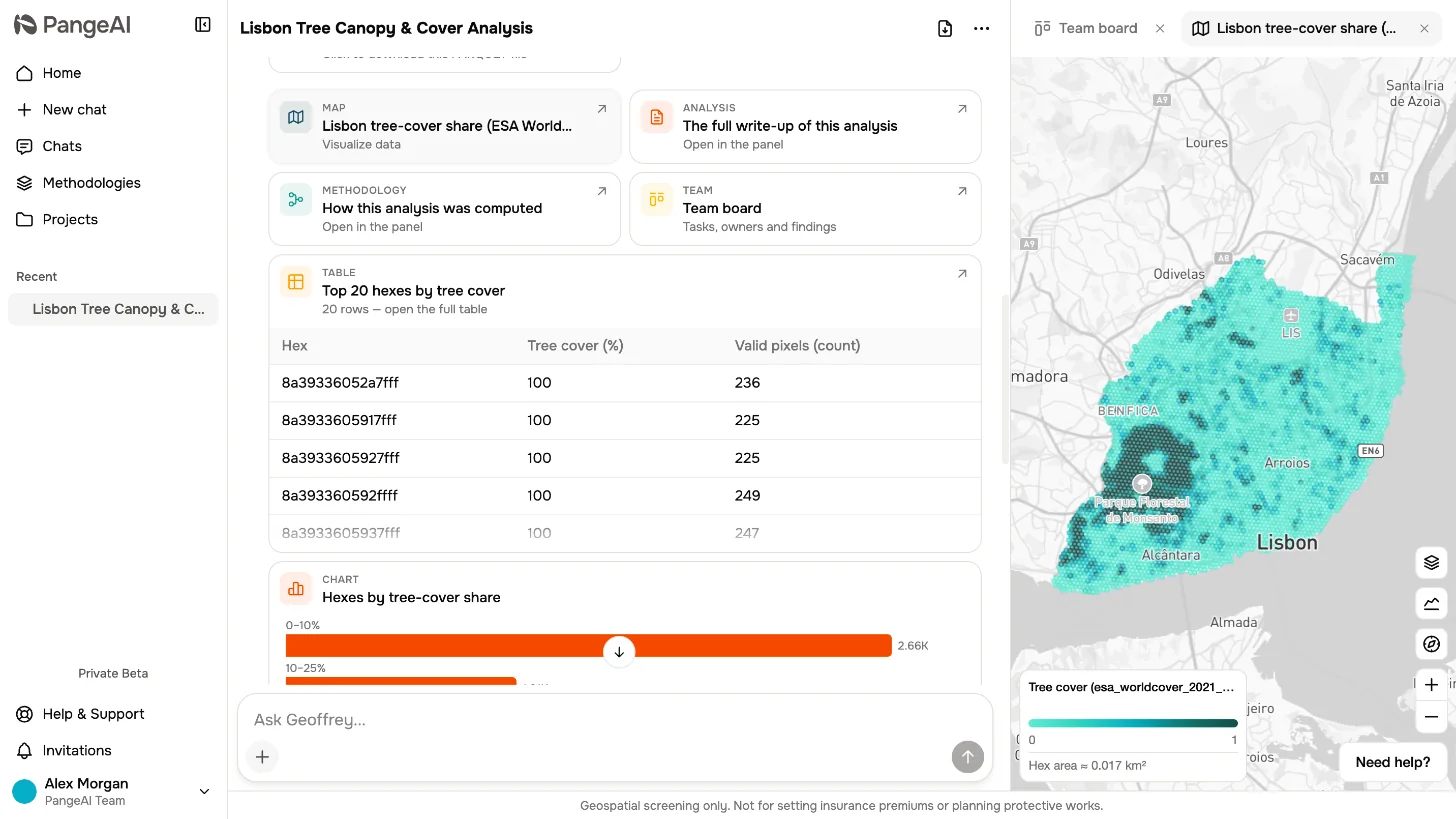
Open a chat, and the screen splits in two. Your conversation with Geoffrey stays on the left.
04
The panels
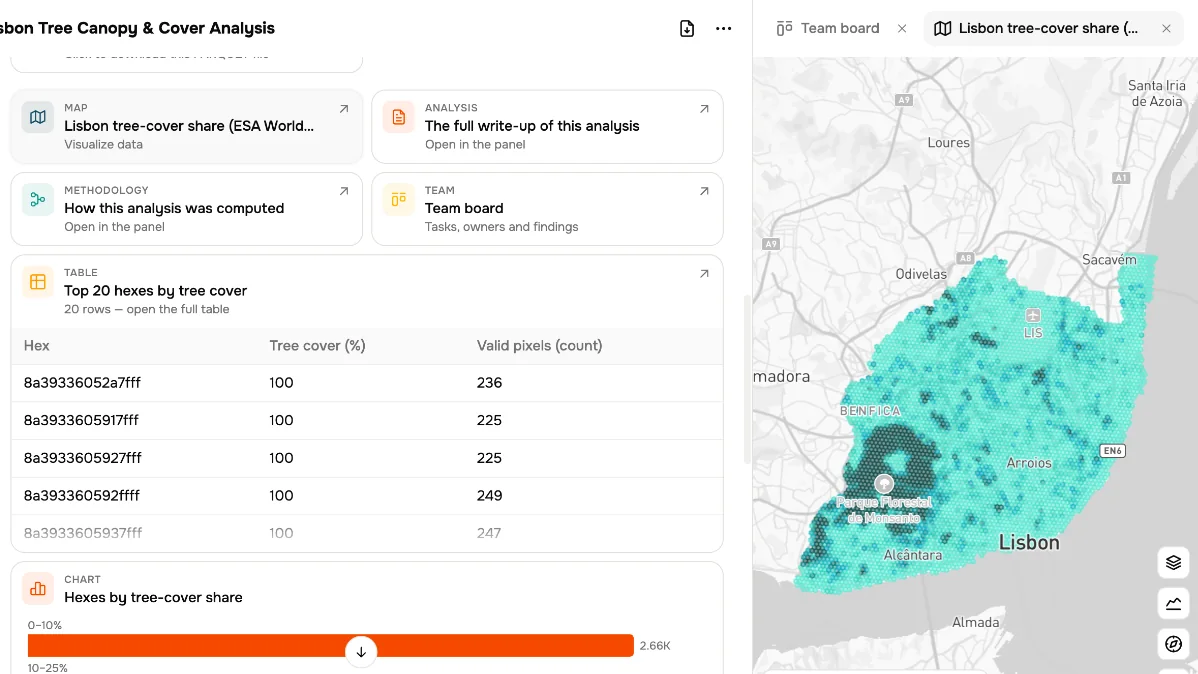
On the right, results open as tabs. The map, the written analysis, the methodology.
05
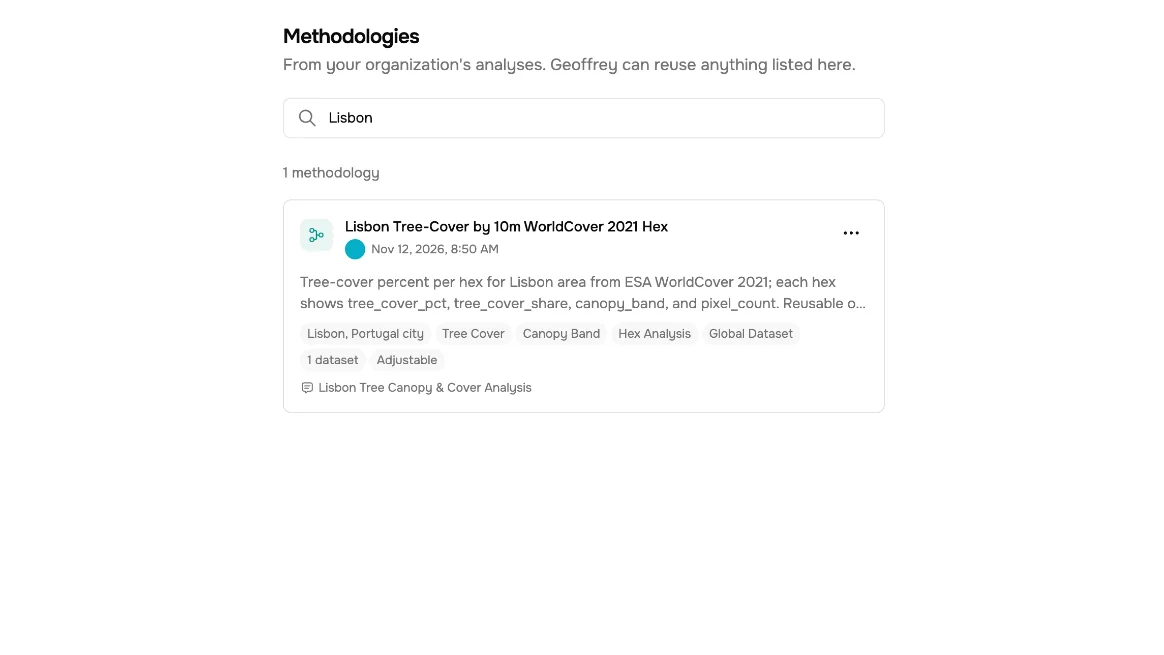
Shared methods
Every analysis leaves its methodology behind. Your whole team can find it here, and reuse it.
06
Ask anywhere
And wherever you are, the Ask Geoffrey field is ready for your next question.
What to remember
- 1
Ask Geoffrey from anywhere
- 2
Chat on the left, panels on the right
- 3
Methodologies are shared with your team