
Chapter 02 · Get started
Ask your first question
From a plain question to a finished map: what Geoffrey asks you, and what you get back.
Step by step
01
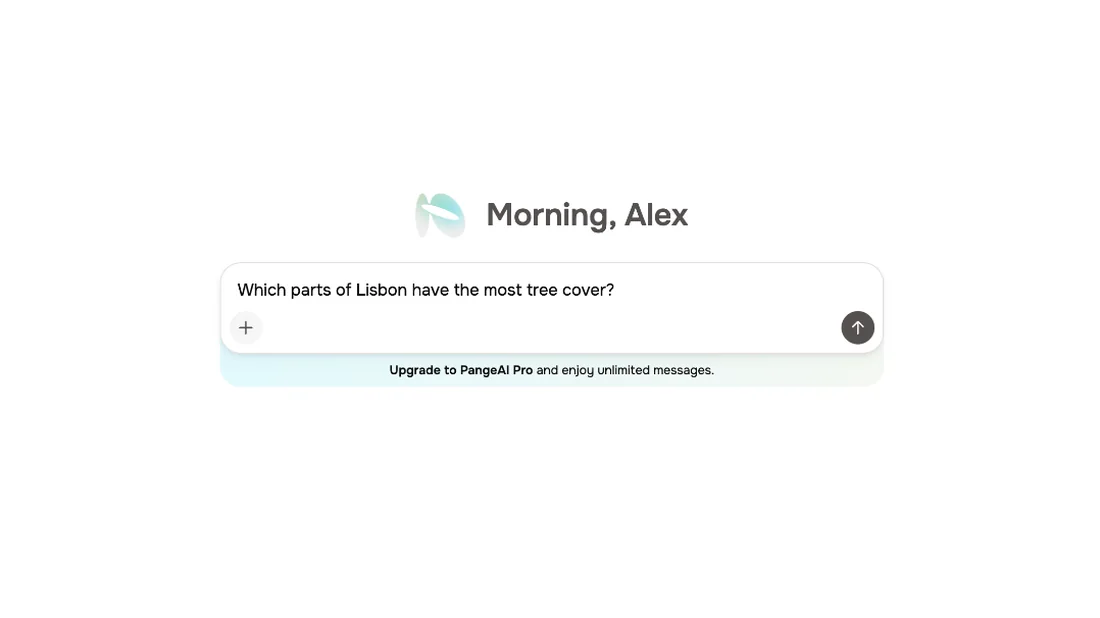
Type your question
Everything in PangeAI starts with a question. Type what you want to know, in plain words, and send it to Geoffrey.
02
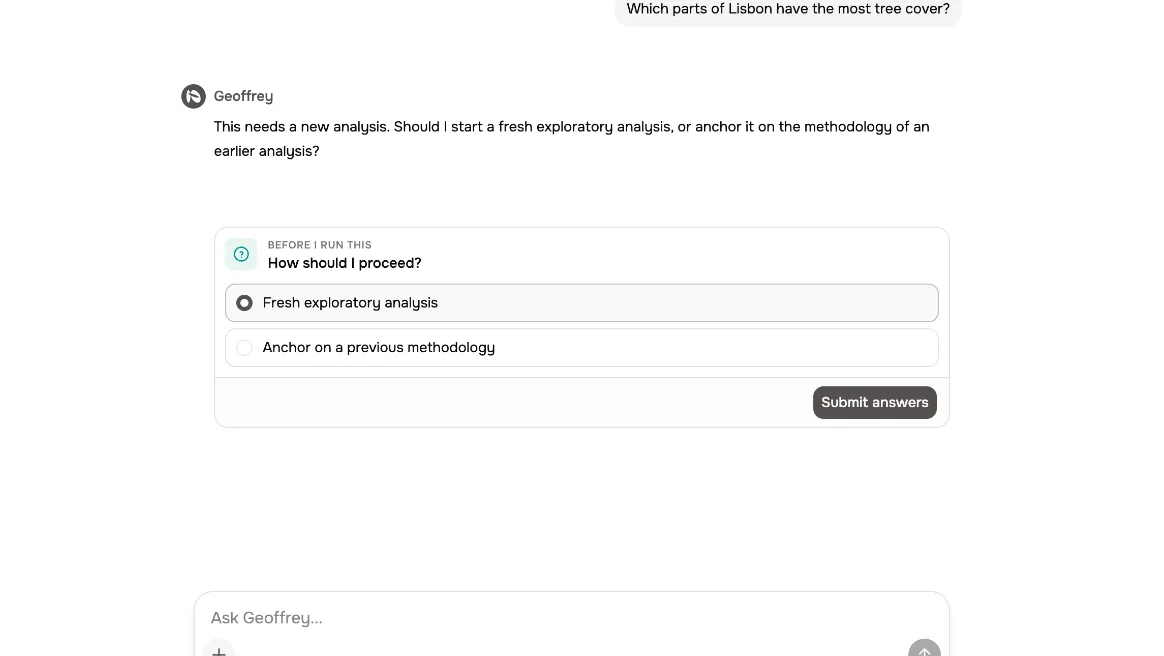
Answer Geoffrey
Before he runs anything, Geoffrey may ask how you'd like to proceed. Pick an option, and submit.
03
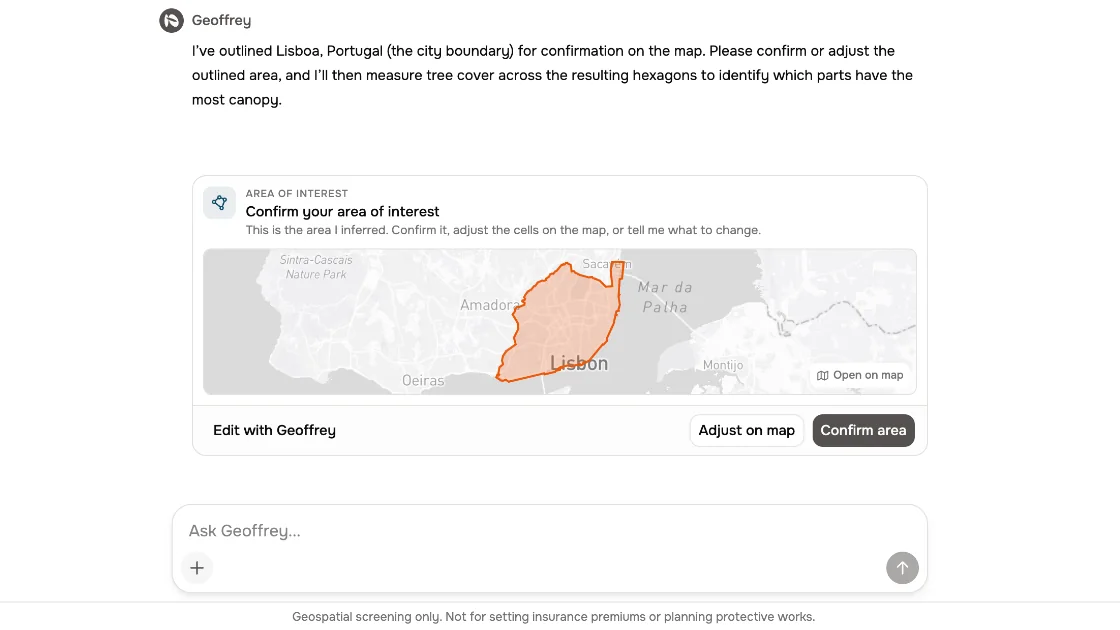
Confirm the area
Next, he shows you the area he understood. Confirm it, or adjust it on the map.
04
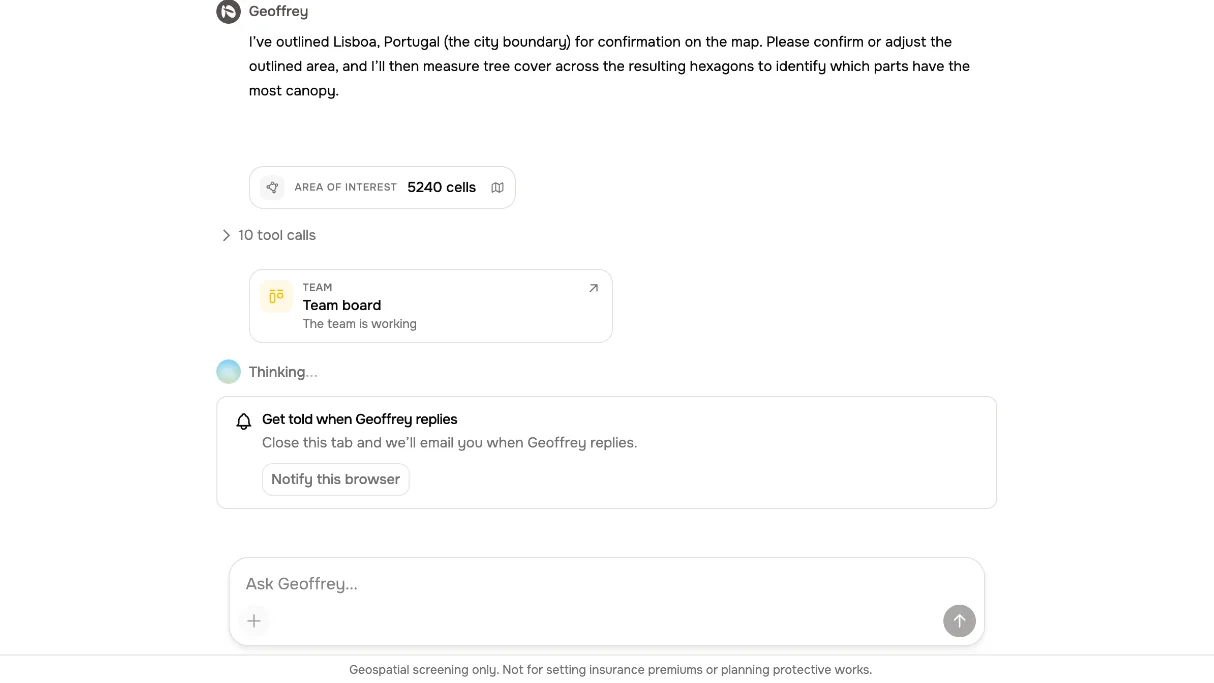
Geoffrey works
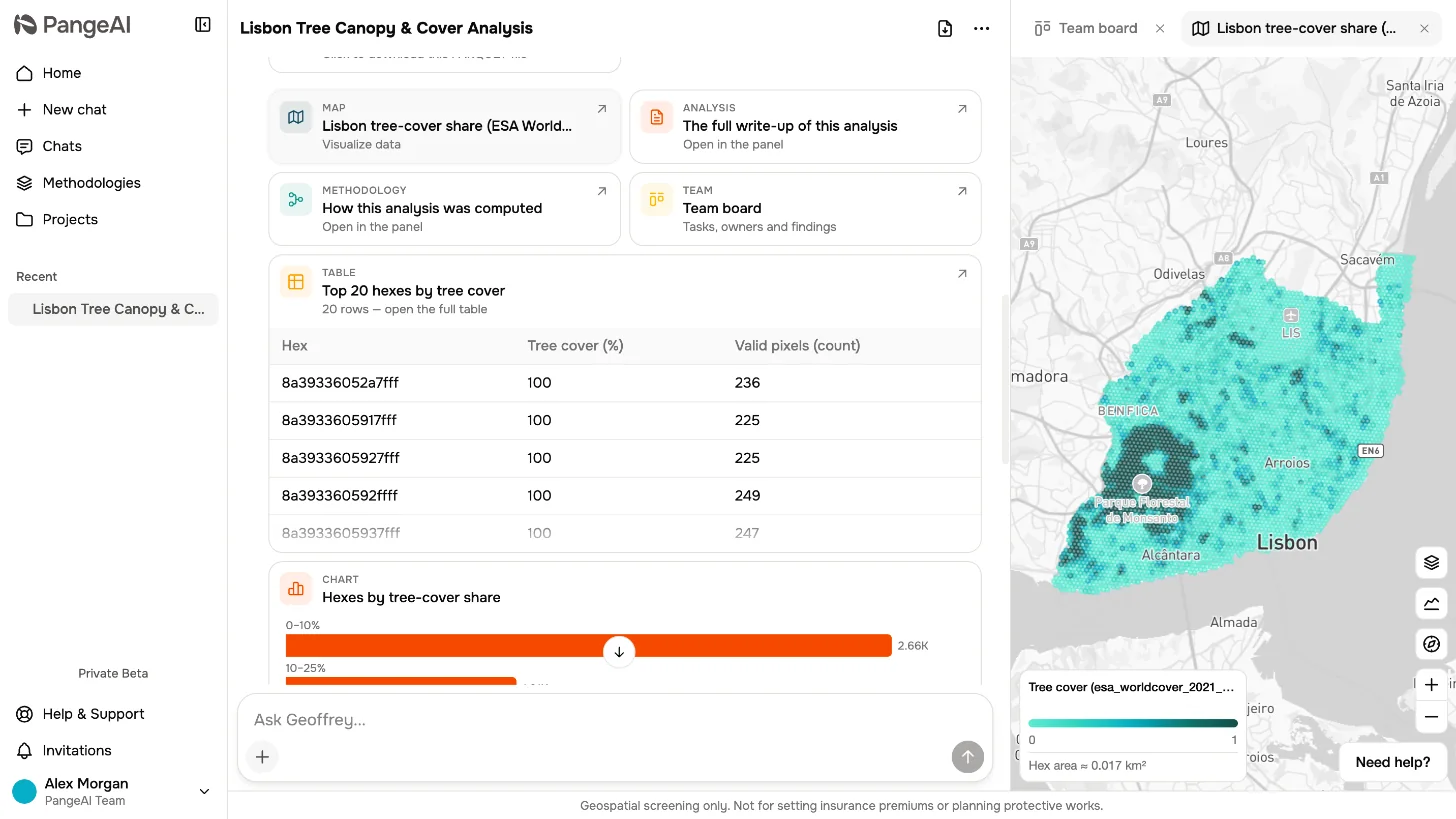
Then Geoffrey gets to work. He finds the right data, maps it onto a grid of hexagons, and runs the analysis.
05
Read the result
When he's done, you get a map, a written analysis, and the methodology behind it.
06
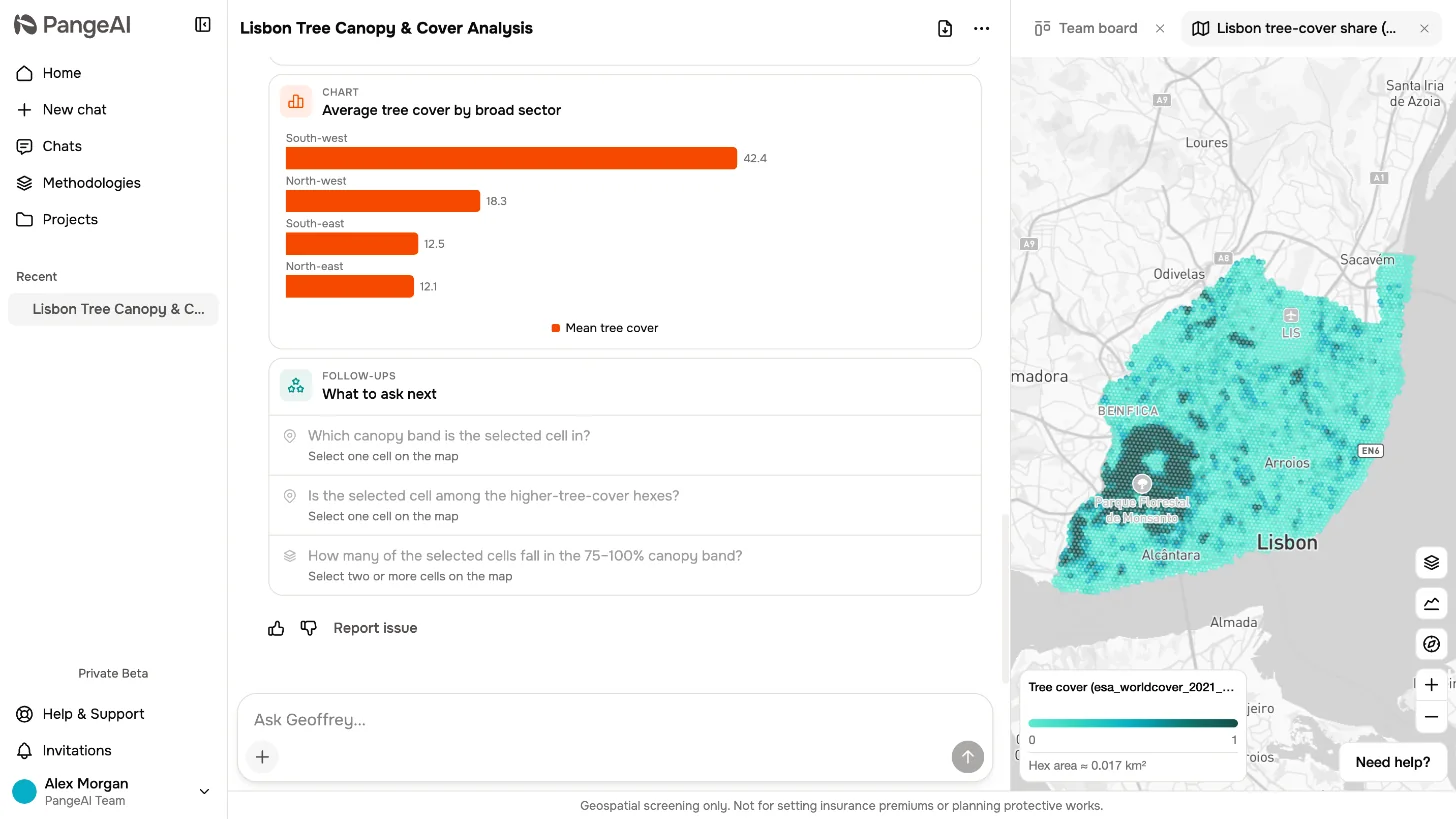
Ask a follow-up
From here, just ask a follow-up. That was your first question in PangeAI.
What to remember
- 1
Ask in plain words
- 2
Answer Geoffrey, confirm the area
- 3
Get a map, an analysis and the method