
Chapter 08 · Go further
Projects and context
Keep related chats, files and background knowledge together in a project.
Step by step
01
Projects
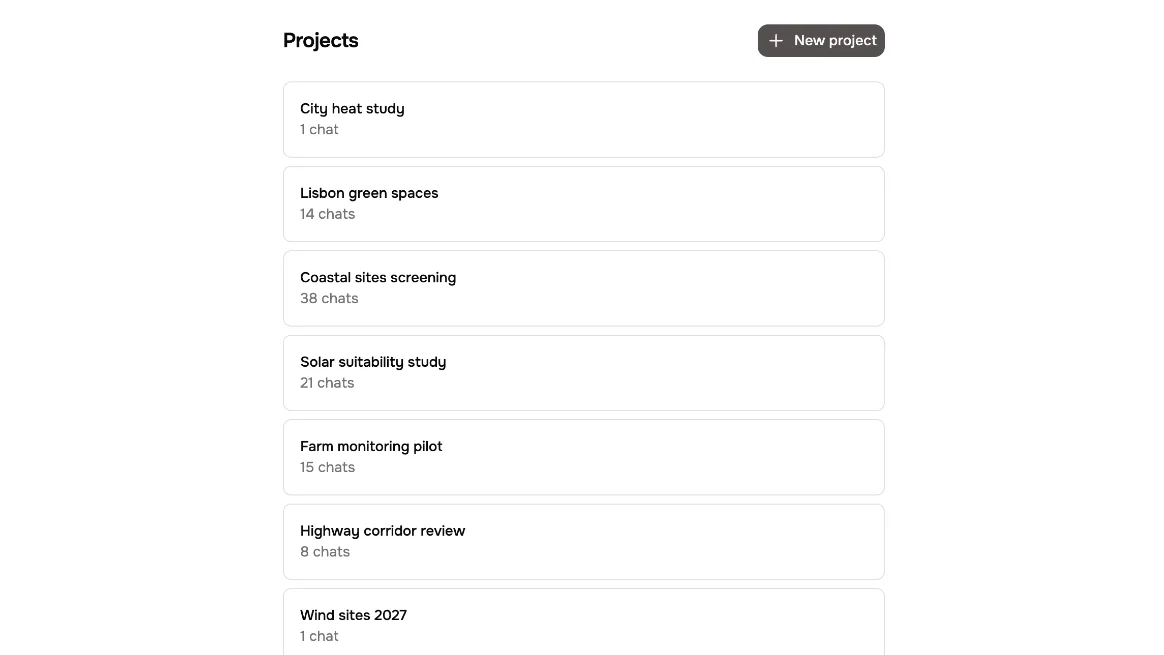
Projects keep related work in one place. Each one holds its own chats, files and context.
02
New project
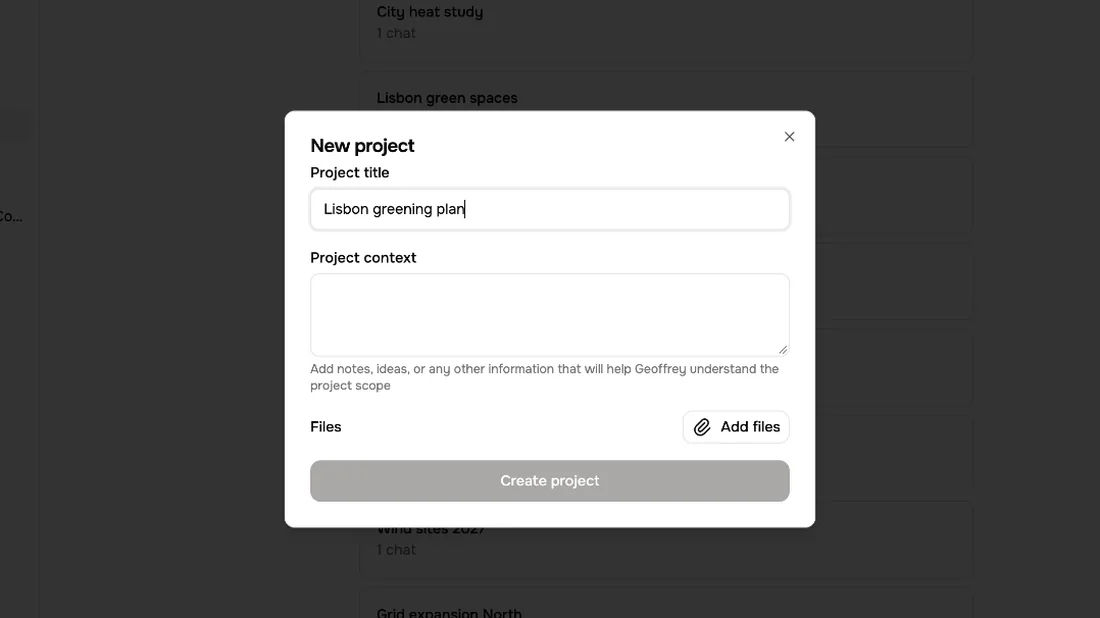
Create a new project, and give it a name.
03
Context
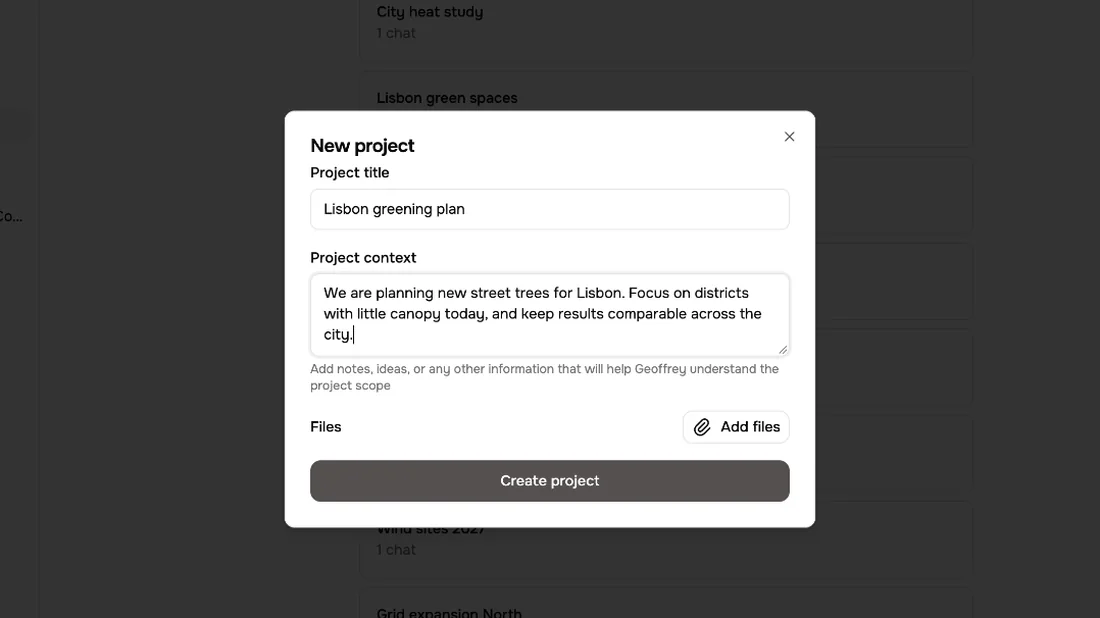
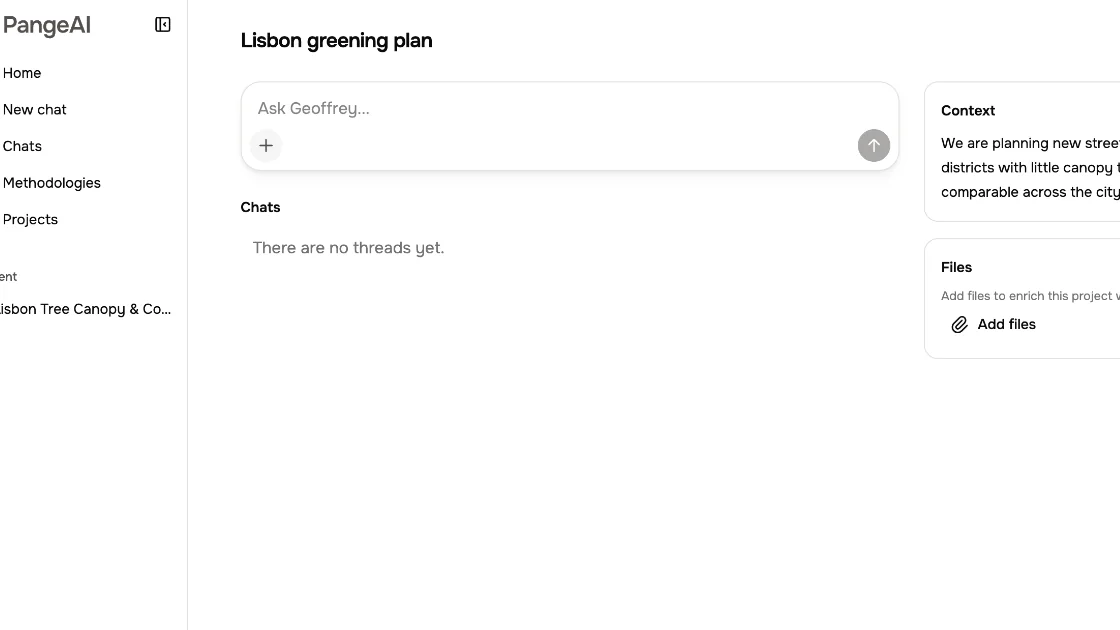
Then add context. A few sentences about your goal help Geoffrey understand what matters in this project.
04
Files
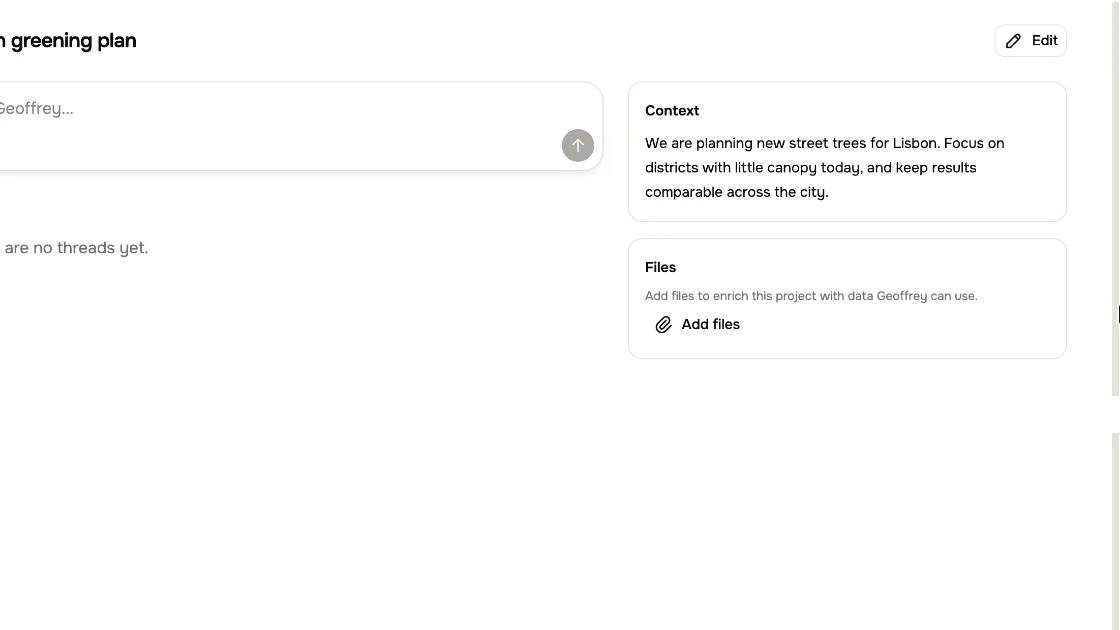
You can also add files, so Geoffrey can work with your own data.
05
Ask inside
Now ask from inside the project. Every question you ask here uses that context.
06
Kept together
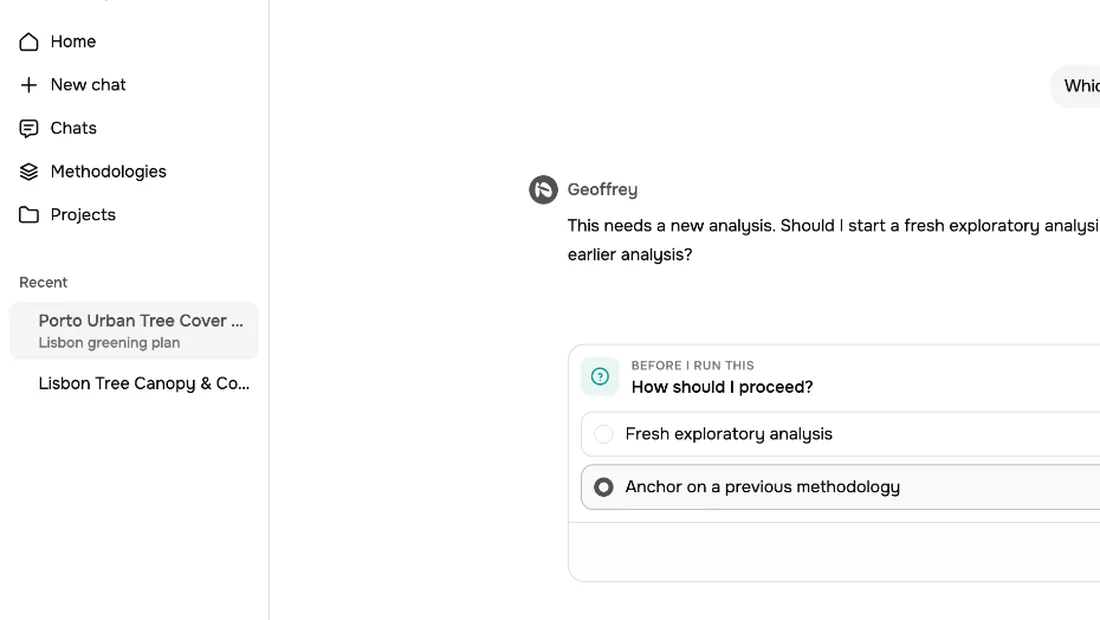
And the chat is saved under the project, so your team finds everything together.
What to remember
- 1
A project keeps related chats together
- 2
Context tells Geoffrey what matters
- 3
Files give him your own data