
Chapter 03 · Get started
Define your area
Tell Geoffrey exactly where to look by drawing the area on the map yourself.
Step by step
01
Define area
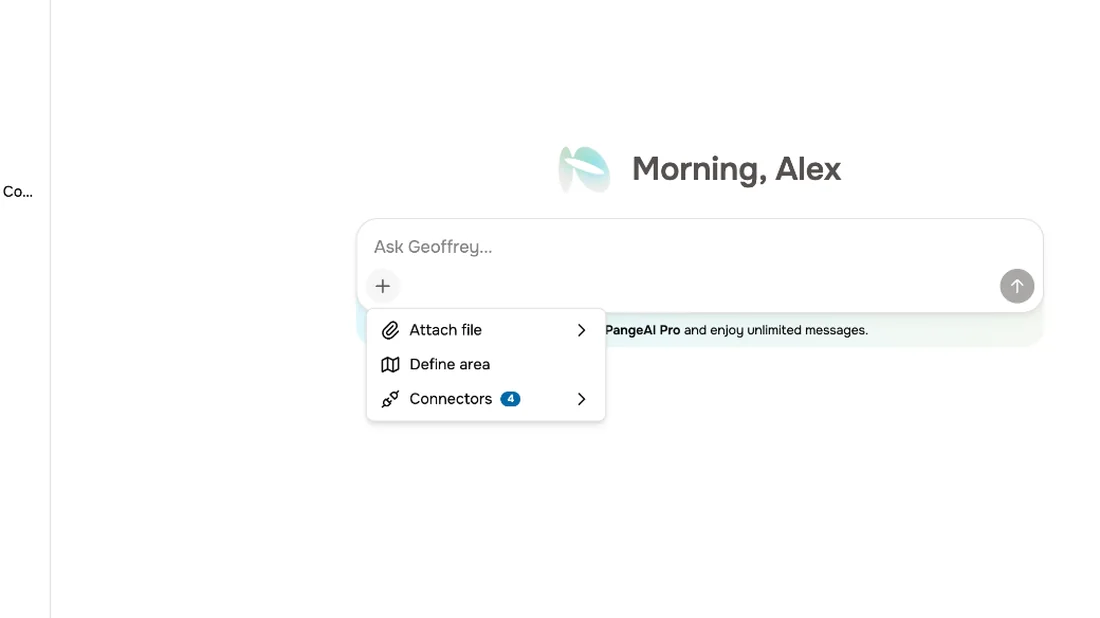
Sometimes you know exactly where to look. Open the plus menu, and choose Define area.
02
Draw hexes
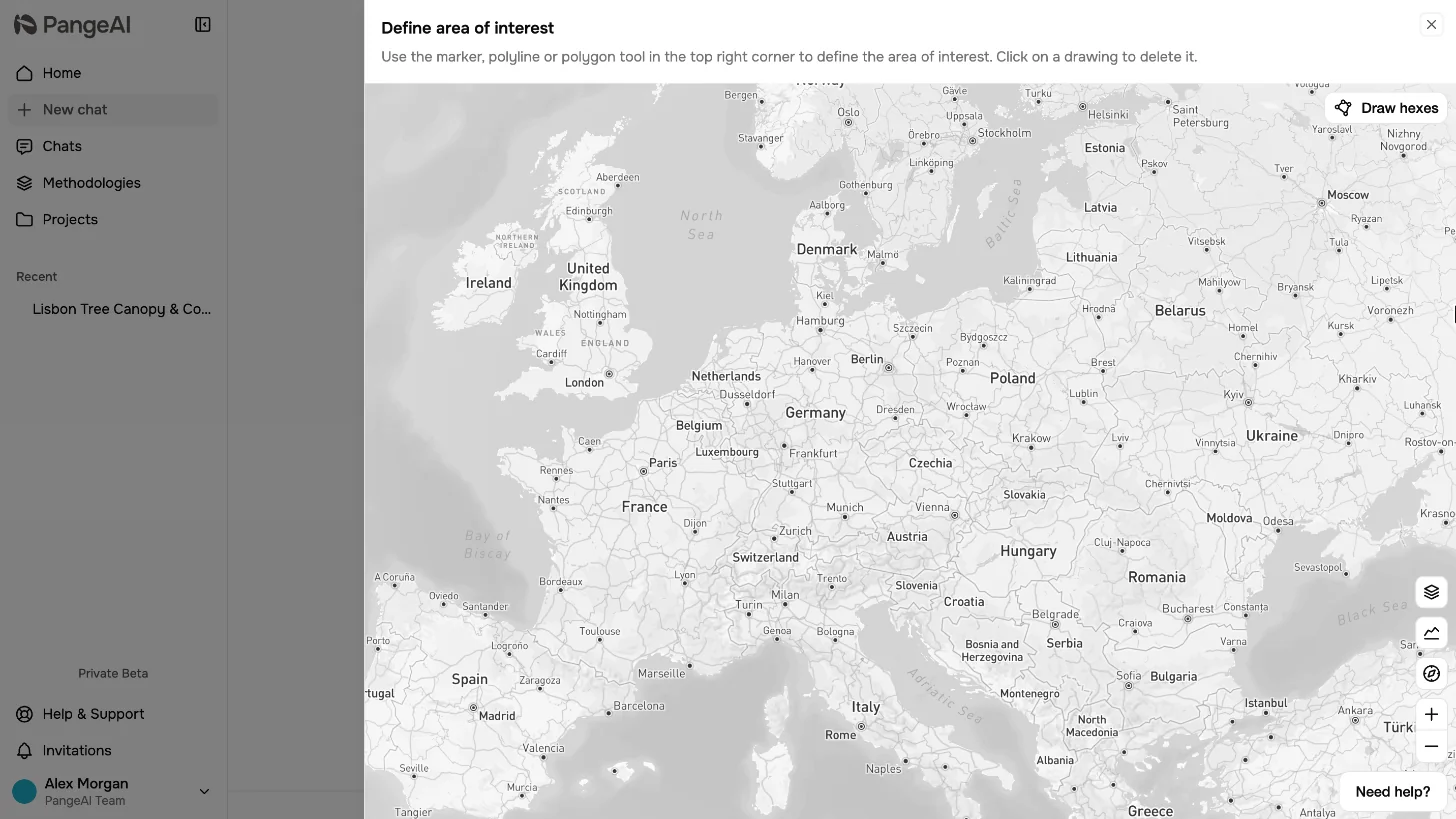
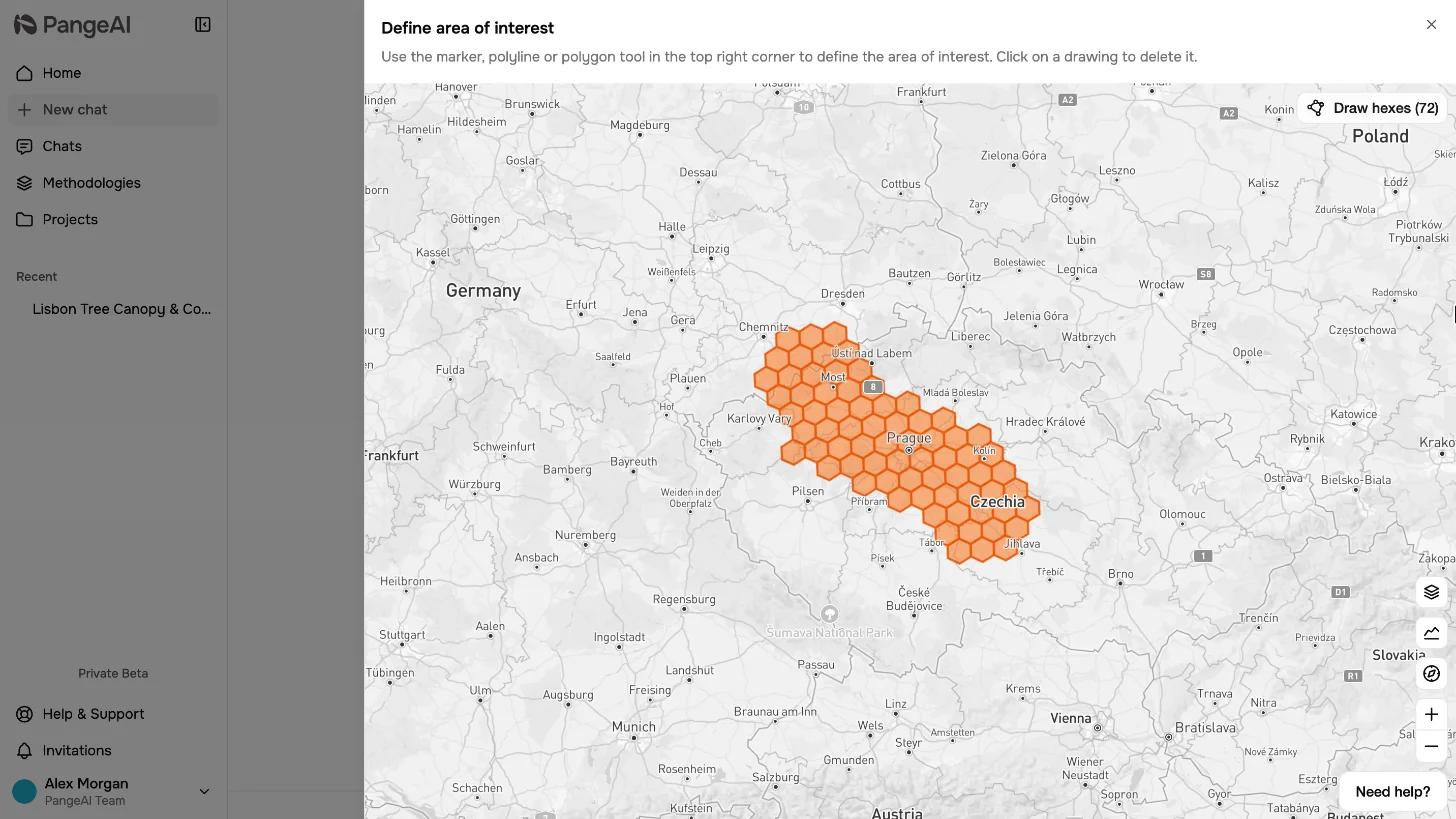
A map opens. Choose Draw hexes to start marking your area.
03
Brush or Lasso
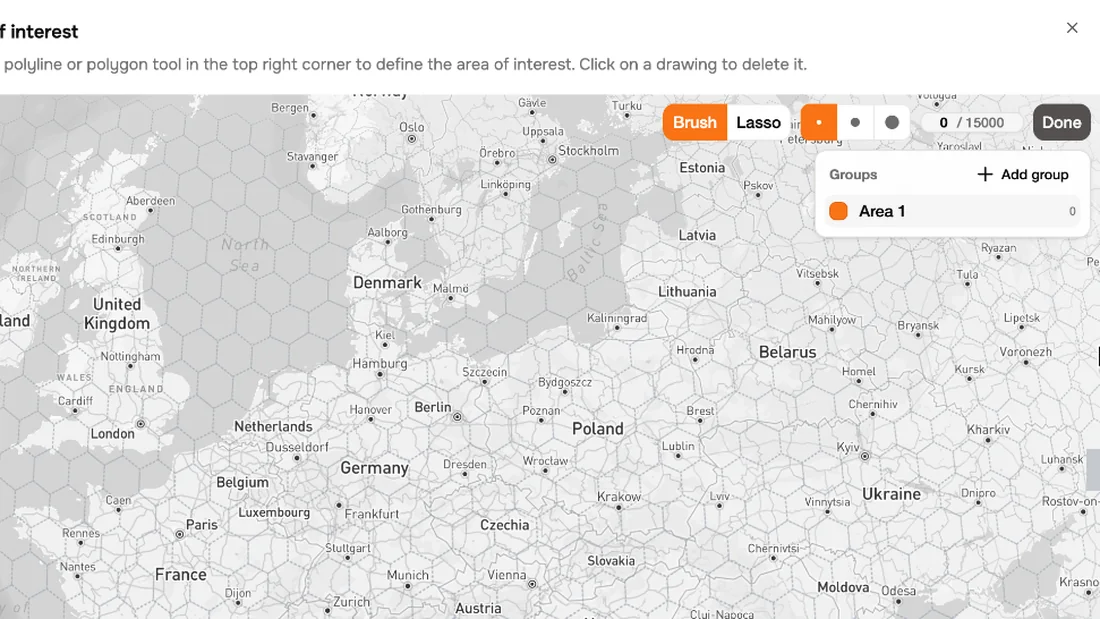
Paint with the Brush, or circle a region with the Lasso. A bigger brush covers ground faster.
04
Paint the area
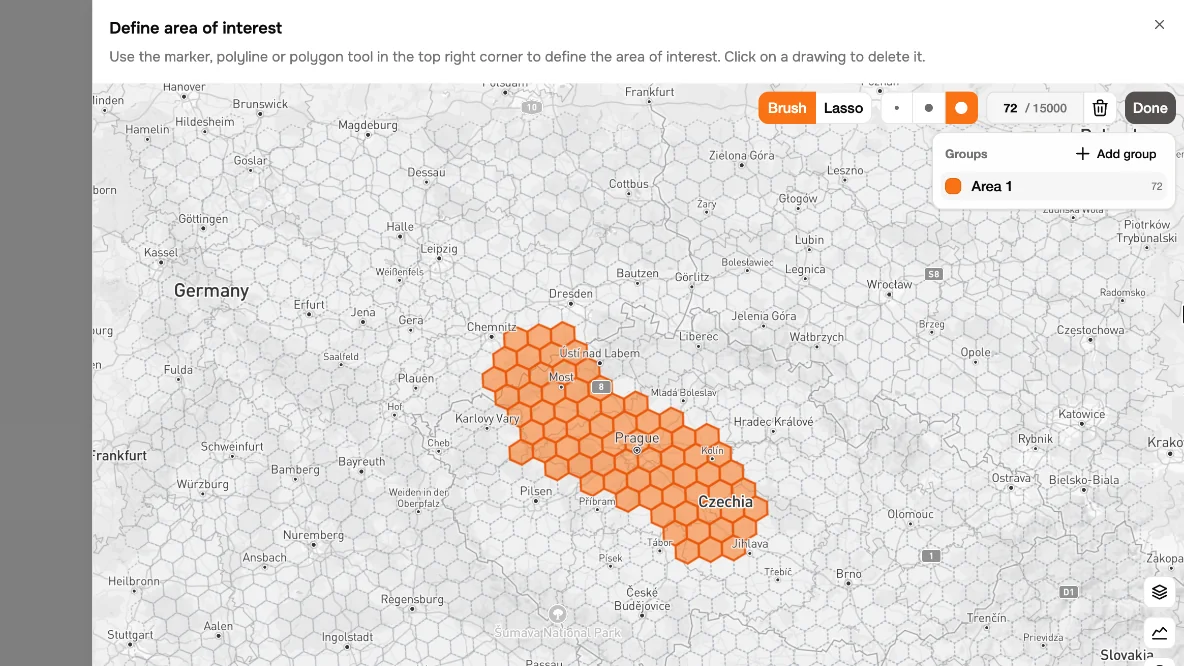
Every hexagon you paint is counted. And with groups, you can mark several places and compare them.
05
Done
Press Done when the area looks right.
06
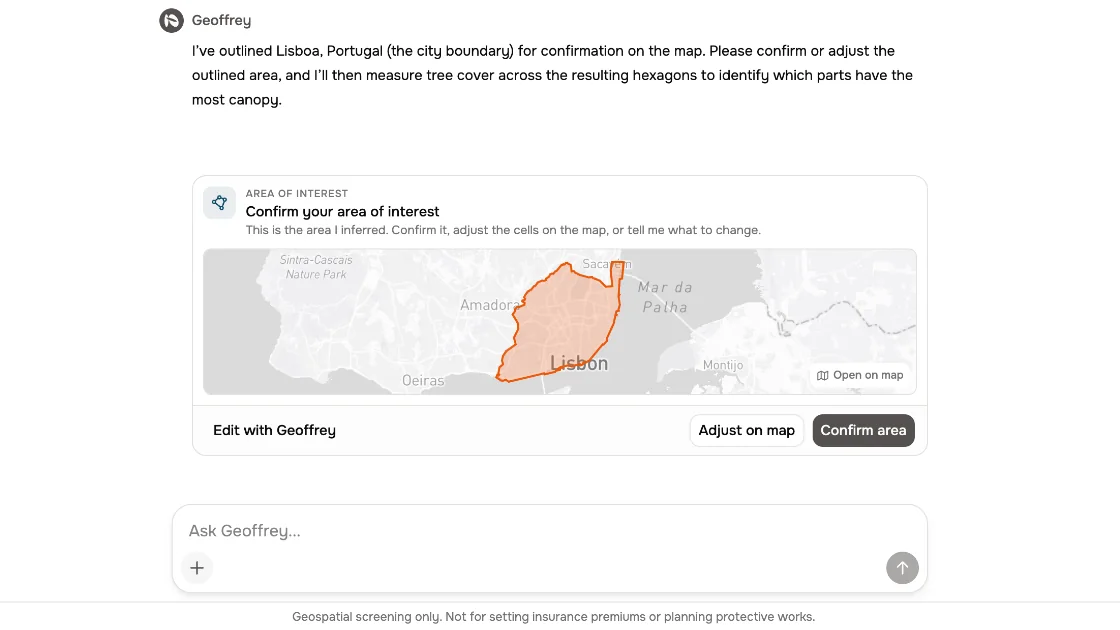
Adjust a suggestion
And when Geoffrey suggests an area himself, choose Adjust on map to fine-tune it the same way.
What to remember
- 1
Open Define area from the plus menu
- 2
Paint hexagons with Brush or Lasso
- 3
Use groups to compare places