
Chapter 09 · Go further
Export and share
Turn a result into a report you can print, save as a PDF or hand to someone else.
Step by step
01
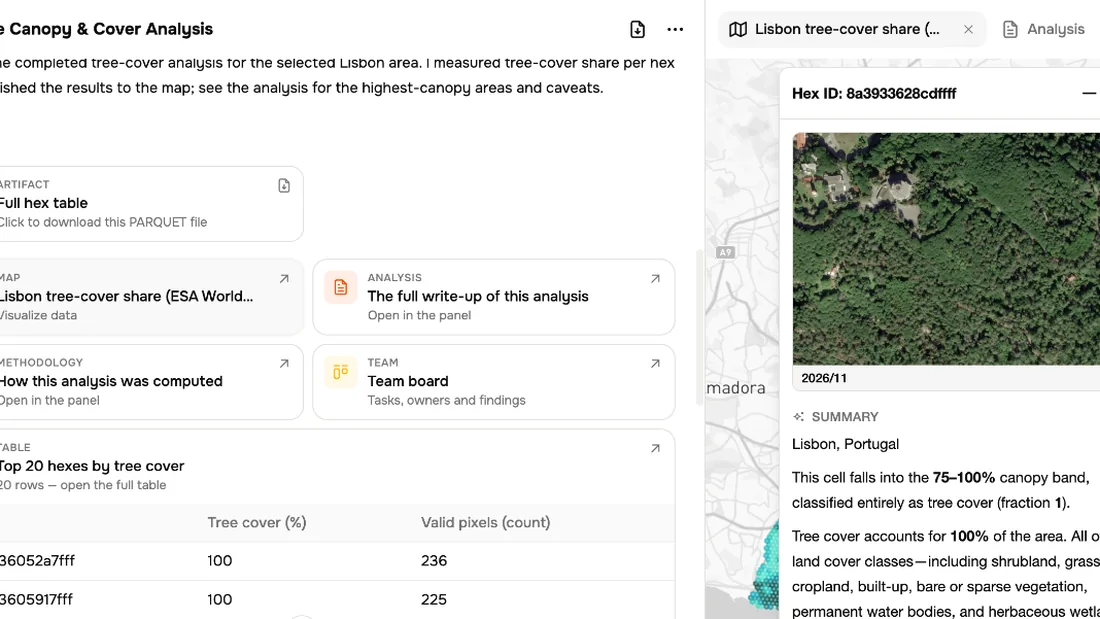
Export
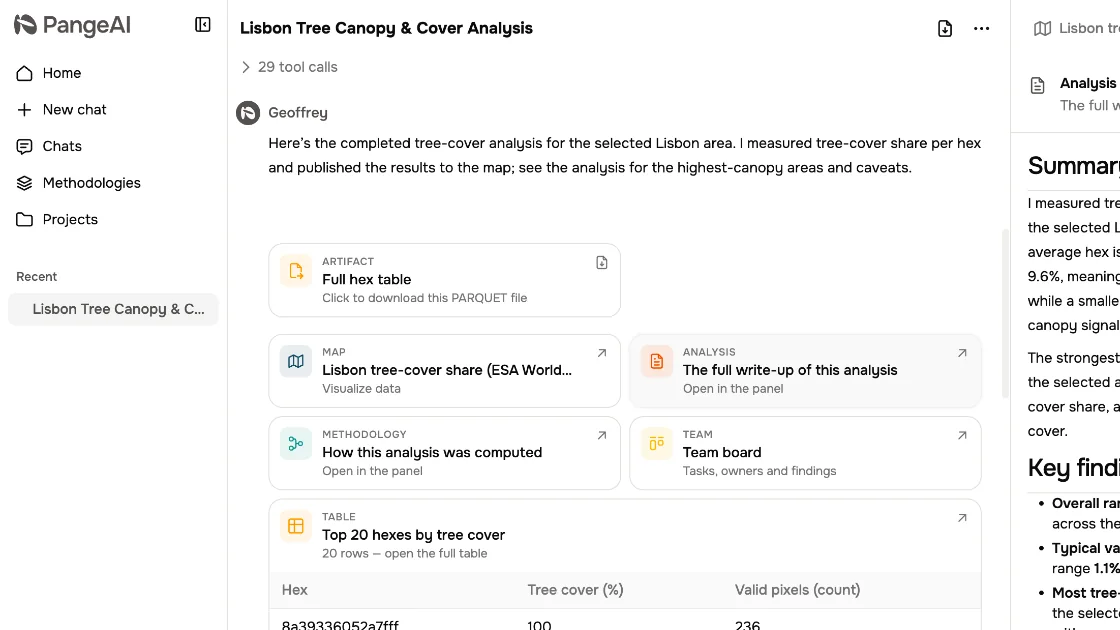
Need to share what you found? Use the export button at the top of the conversation.
02
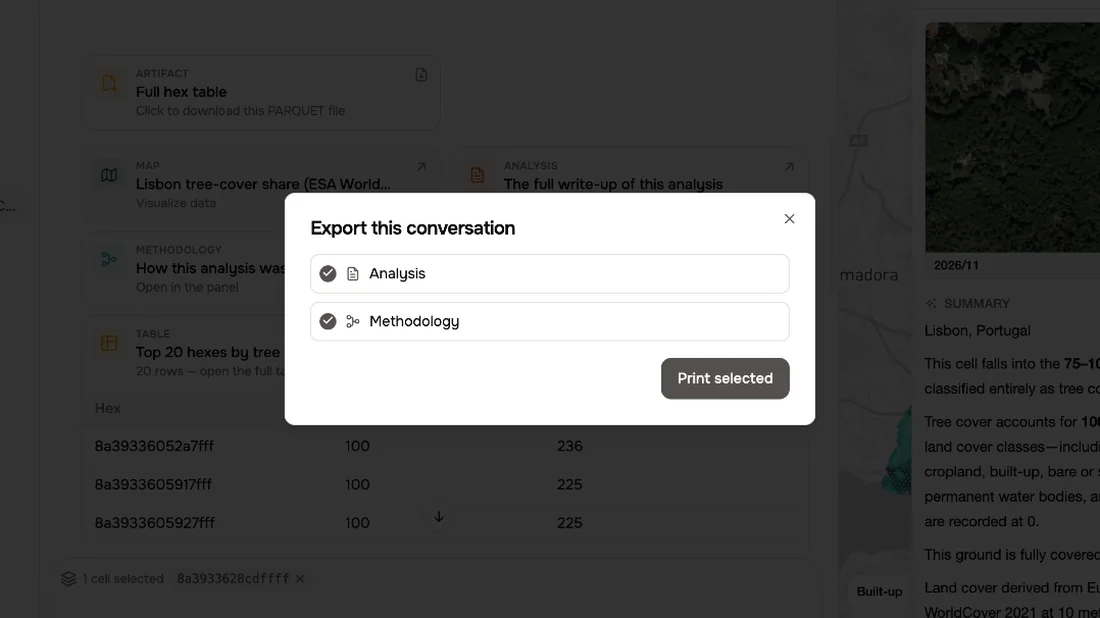
Choose what goes in
Choose what goes in: the analysis, the methodology, or both.
03
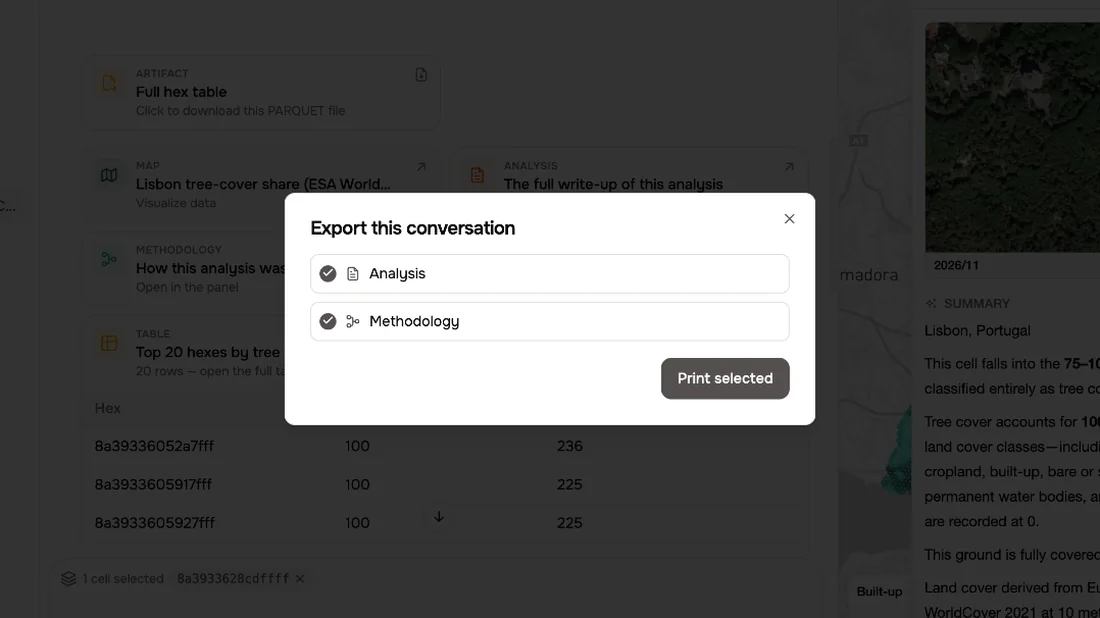
Print to PDF
Print selected gives you a clean report, ready to save as a PDF.
04
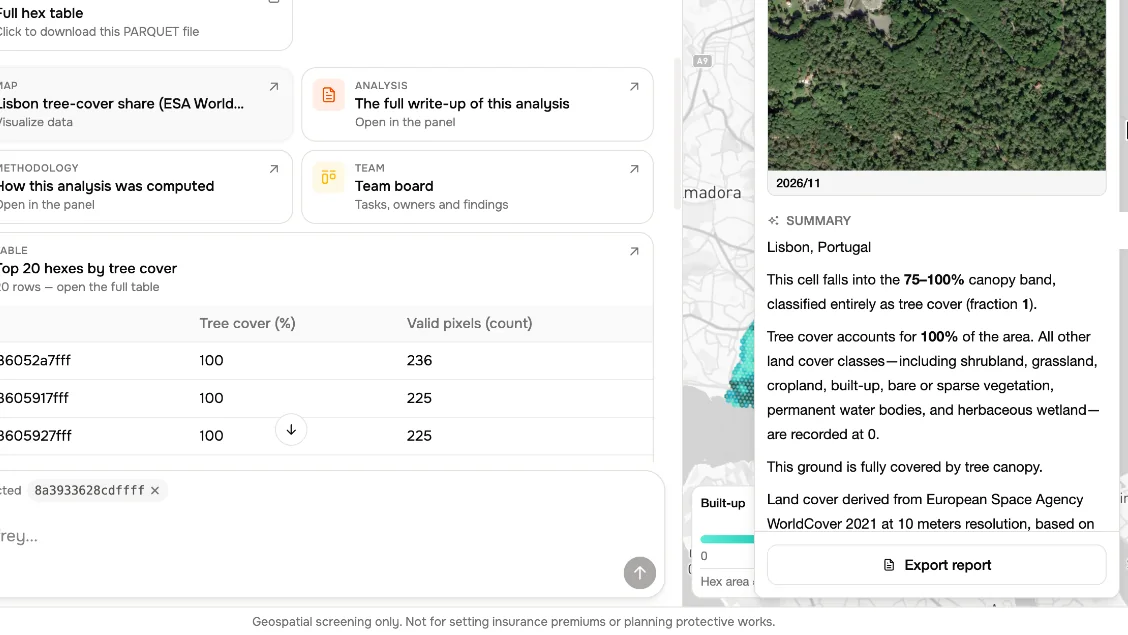
One place
For a single place, click its hexagon and choose Export report. Geoffrey writes a report just for that spot.
05
The data
And if you want the raw numbers, download the full hex table.
What to remember
- 1
Export the conversation as a PDF
- 2
Get a report for one place
- 3
Download the full data table