
Chapter 10 · Go further
Your data and your team
Bring your own files and data sources, and invite the people you work with.
Step by step
01
Attach a file
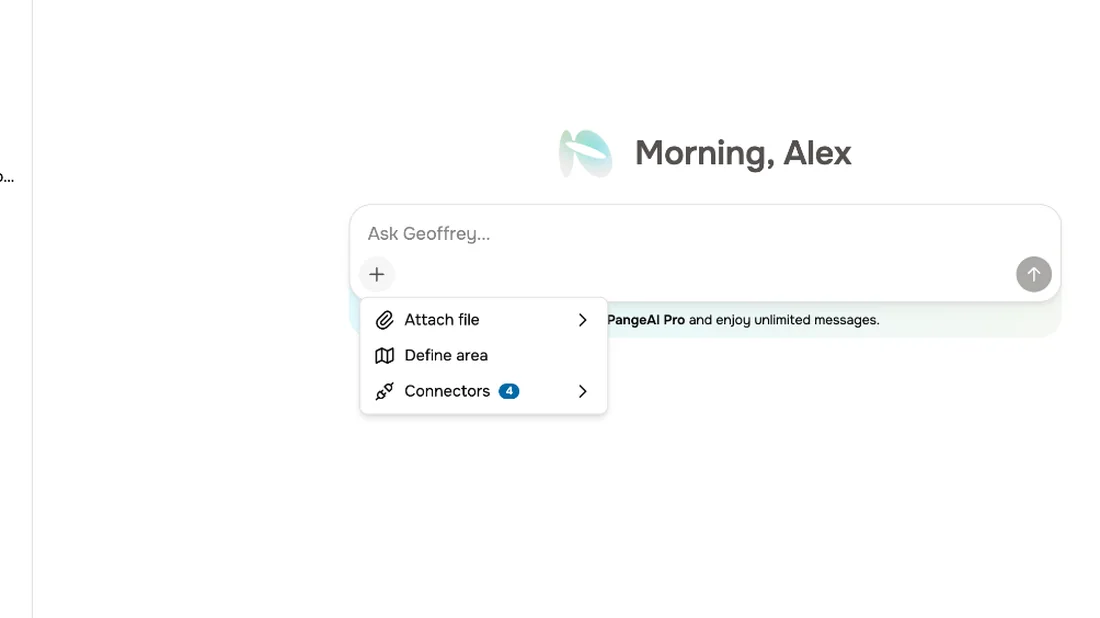
Geoffrey can work with your own data. From the plus menu, attach a file to your message, or pick one your team has already uploaded.
02
Connectors
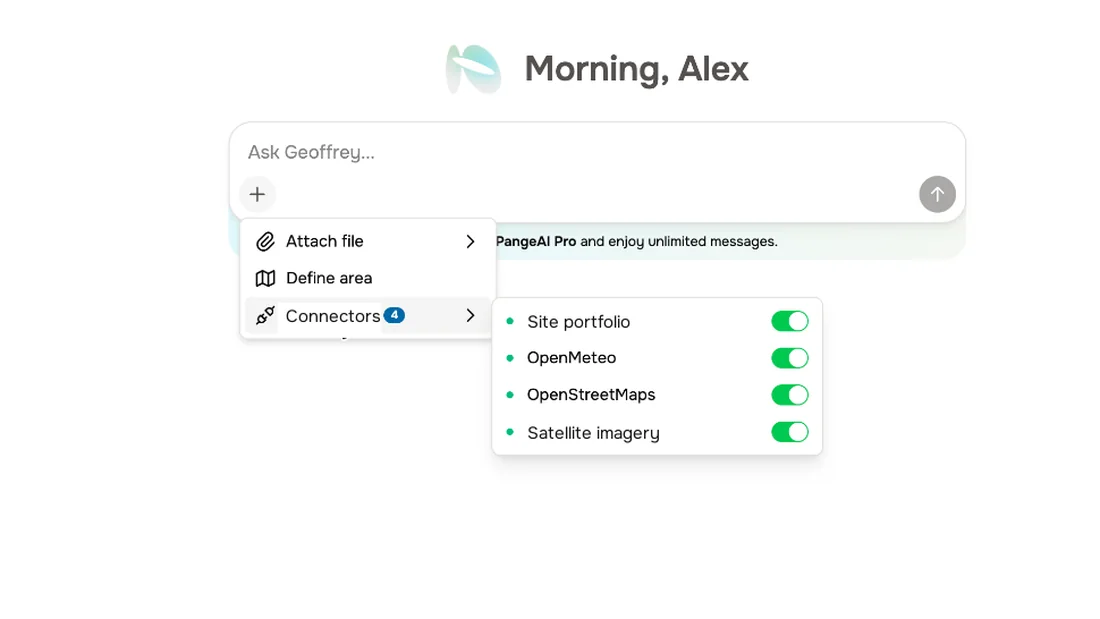
Connectors link Geoffrey to your organisation's own systems, like a site portfolio, or live weather.
03
On and off
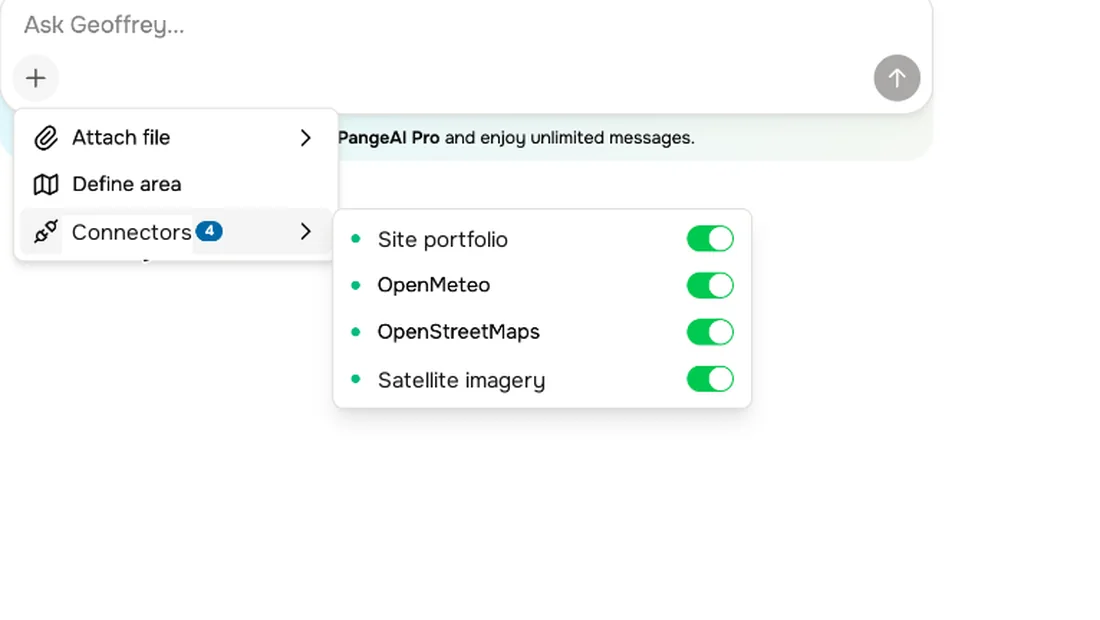
Switch a connector off when you don't want it used in a conversation.
04
Your team
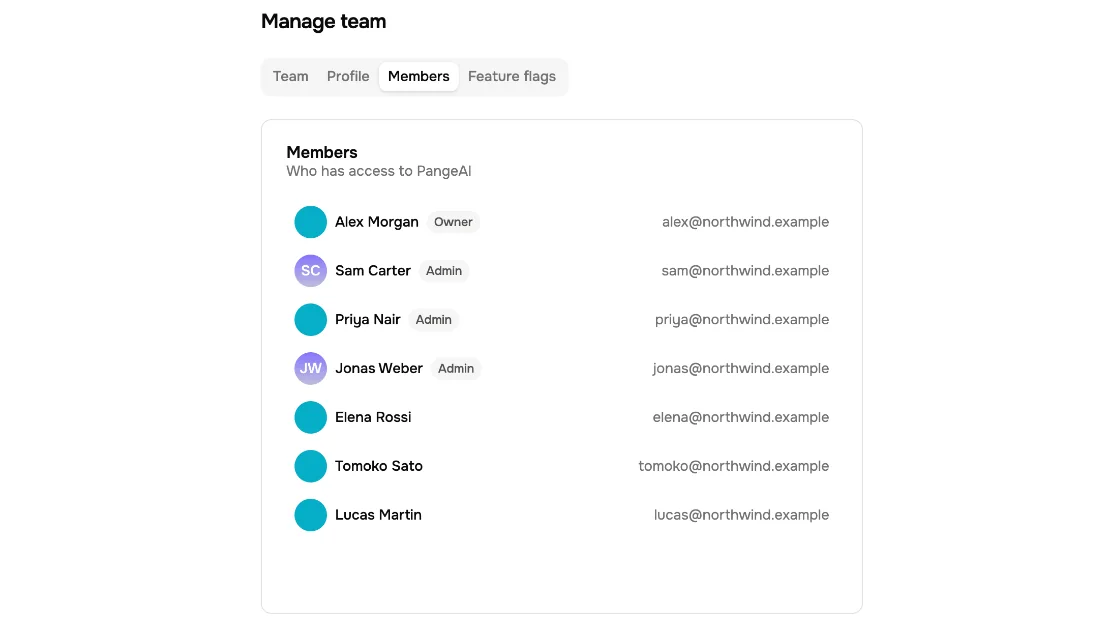
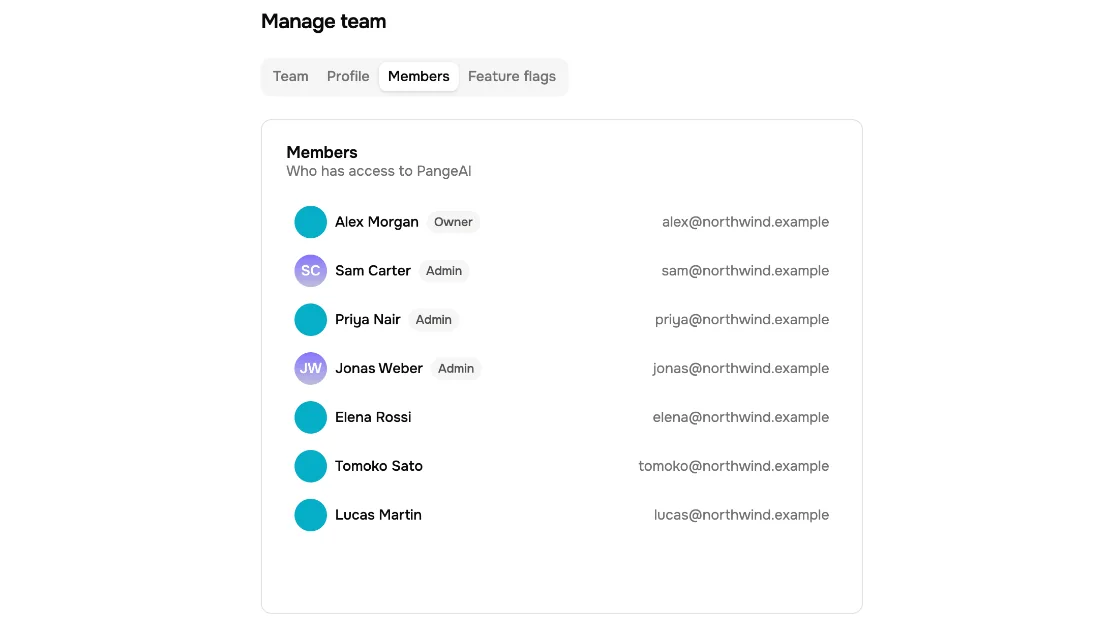
Under Manage team, you can see who has access to your workspace, and what role they have.
05
Roles
Owners and admins manage the workspace. Everyone can ask, explore and share.
06
Invitations
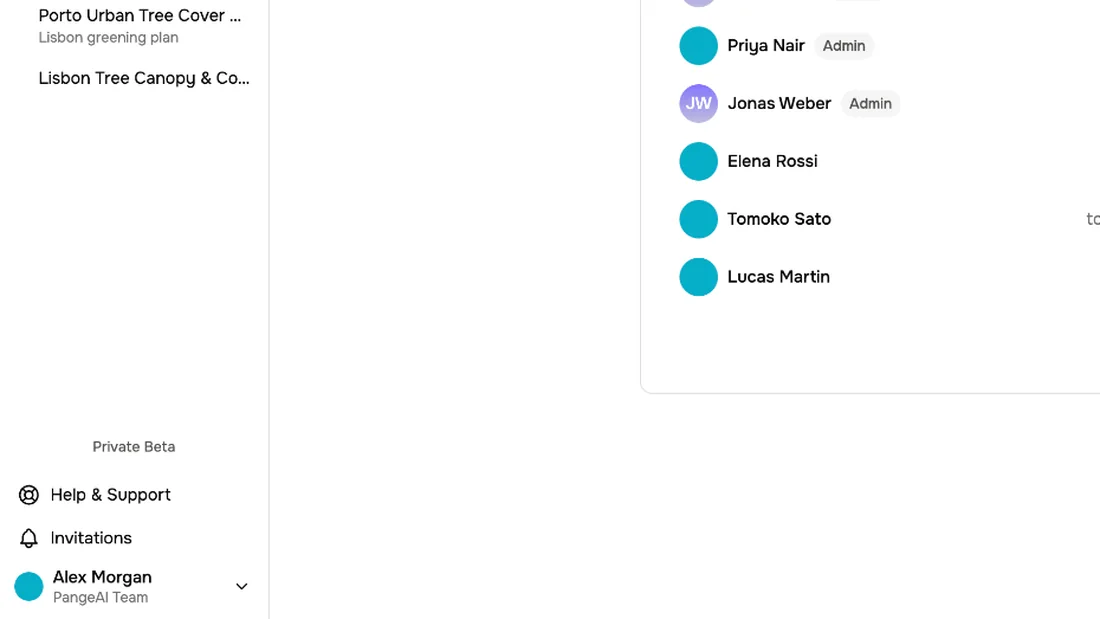
And if someone invites you to another team, you'll find it under Invitations.
What to remember
- 1
Attach files to bring your own data
- 2
Connectors link your organisation's systems
- 3
Manage team shows who has access